> For the complete documentation index, see [llms.txt](https://docs.payswap.org/llms.txt). Markdown versions of documentation pages are available by appending `.md` to page URLs; this page is available as [Markdown](https://docs.payswap.org/alarbyh/products/ecollectibles/the-default-minter.md).
# مينتر الافتراضي
يمكنك تشغيل المُزيّن الافتراضي لتتمكن من طبع NFTs لعملائك دون الحاجة إلى كتابة أي سطر من الشيفرة.
فيما يلي دليل خطوة بخطوة لتشغيل مُزيّن افتراضي:
* تأكد من أنك قد أنشأت قناة. يمكنك العثور على دليل لذلك على الصفحة أدناه:
{% content-ref url="/pages/Jq5NZinn7kgKn4p83Z4e" %}
[CanCan](/alarbyh/products/cancan.md)
{% endcontent-ref %}
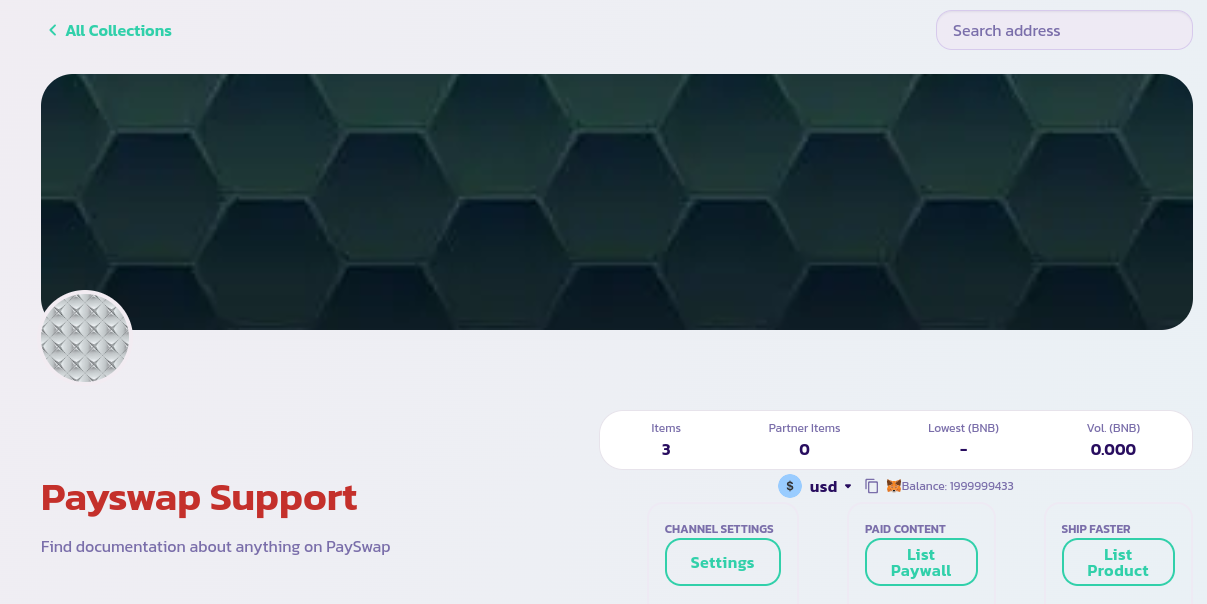
* انتقل إلى الصفحة الرئيسية للقناة وانقر على زر **قائمة المنتجات**
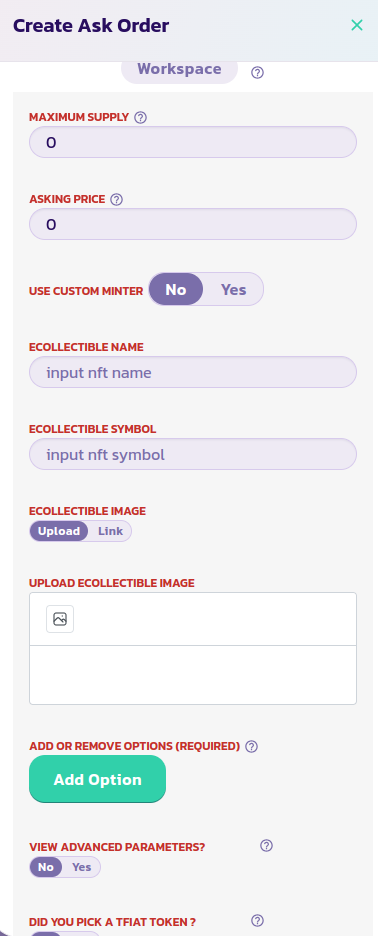
* اقرأ وصف كل معلمة وقدم القيمة المناسبة. قم بالتحقق من النموذج وبعد بضع ثوانٍ، يجب أن ترى NFT الخاص بك عرض مع بقية NFT السابقة الخاصة بك. قم بإعادة تحميل الصفحة في حالة عدم ظهور NFT الخاص بك. ضع معلمة **استخدم مُزيّن مخصص** على النحو الموضح في الصورة أدناه وأدخل اسم ورمز NFT الخاص بك. قم بالتحقق وتأكيد العملية.