> For the complete documentation index, see [llms.txt](https://docs.payswap.org/llms.txt). Markdown versions of documentation pages are available by appending `.md` to page URLs; this page is available as [Markdown](https://docs.payswap.org/bahasa-indonesia/products/cancan/list-partner-valuepools.md).
# Daftar Mitra Valuepools
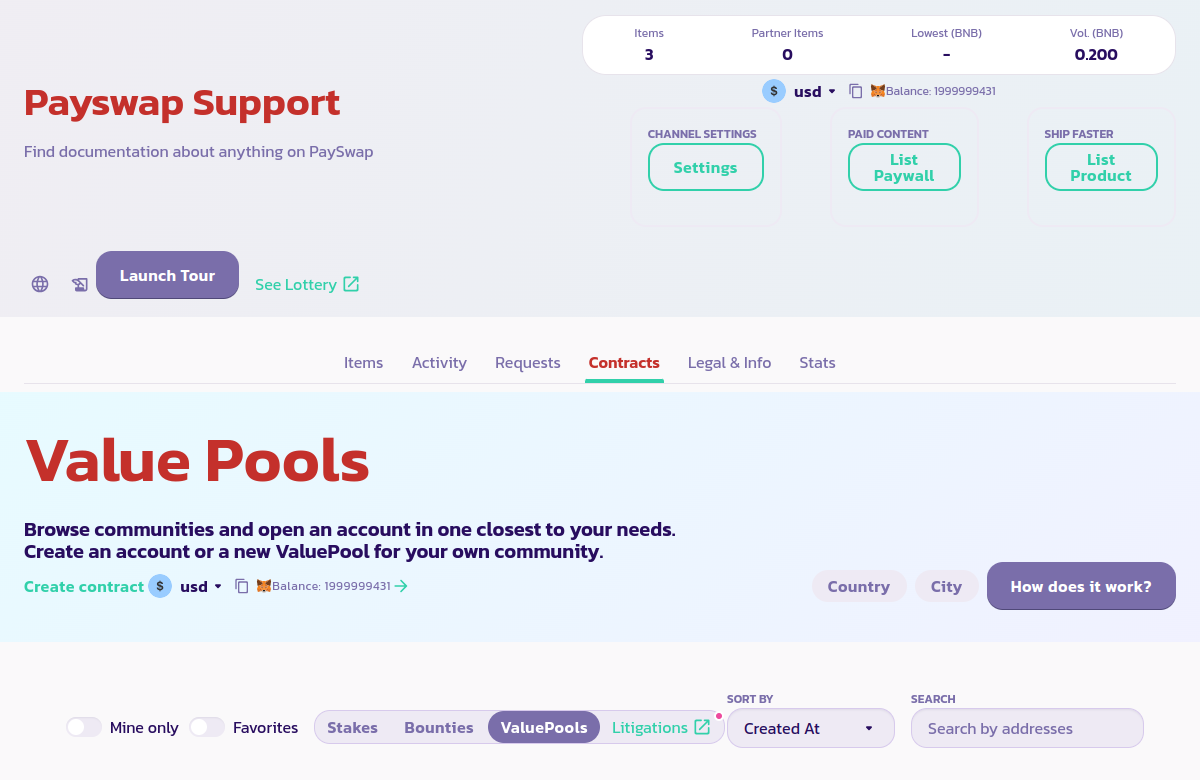
Fitur ini memungkinkan Anda untuk mencantumkan Valuepool mitra atau Valuepool kanal Anda pada halaman utama di bawah tab **Kontrak > Valuepools**.
Untuk melakukannya:
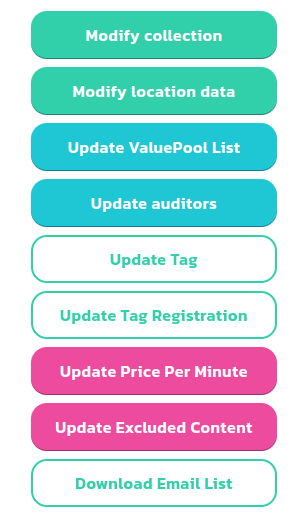
* Klik tombol Pengaturan dan kemudian tombol Perbarui Daftar Valuepool untuk membuka formulir di bawah ini
* Anda dapat menggunakan formulir di sebelah kanan untuk mencantumkan/membatalkan pendaftaran Valuepool di bawah tab **Kontrak > Valuepools** pada halaman utama kanal Anda. Hal ini akan memudahkan pengguna Anda untuk menemukan dan membuat akun di Valuepool tersebut.
.png?alt=media)