> For the complete documentation index, see [llms.txt](https://docs.payswap.org/llms.txt). Markdown versions of documentation pages are available by appending `.md` to page URLs; this page is available as [Markdown](https://docs.payswap.org/bangal/products/cancan/votes.md).
# ভোট
\#ভোট
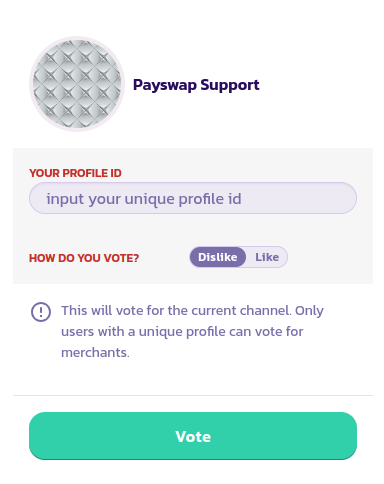
ভোট হল একটি চ্যানেলের প্রতি আপনার প্রশংসা বা হতাশা দেখানোর একটি উপায়৷ শুধুমাত্র যে ব্যবহারকারীদের একটি অনন্য প্রোফাইল আছে চ্যানেলের জন্য ভোট দিতে পারেন. এখানে একটি চ্যানেলের জন্য ভোট দেওয়ার জন্য ধাপে ধাপে নির্দেশিকা রয়েছে:
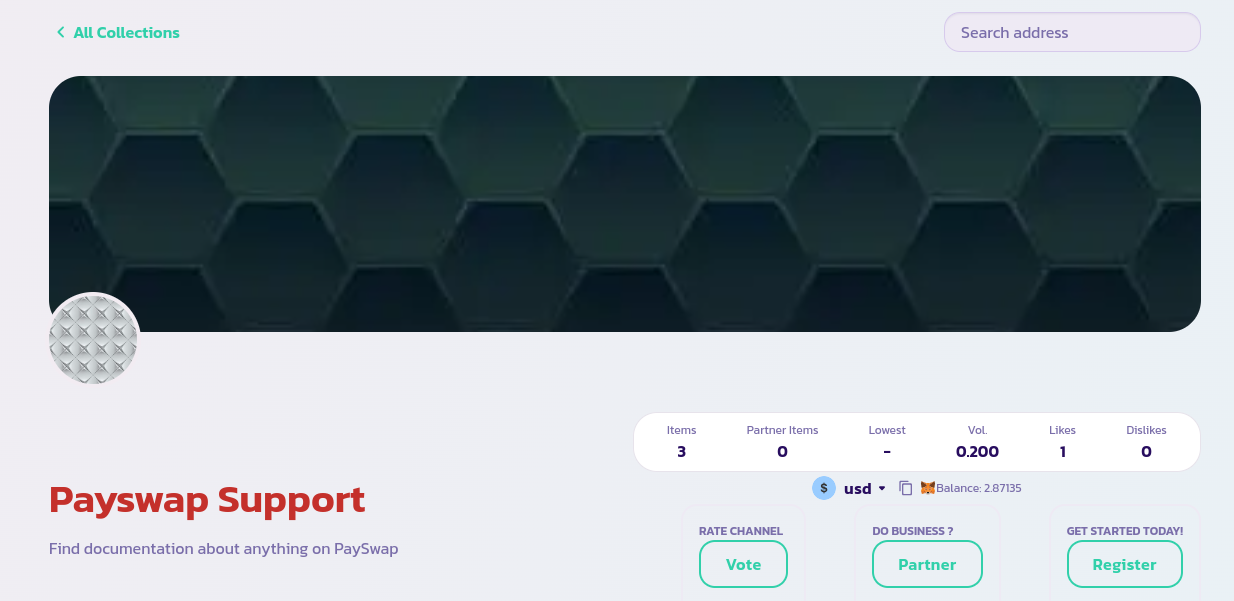
* আপনি যে চ্যানেলের পক্ষে/বিপক্ষে ভোট দিতে চান তার মূল পৃষ্ঠায় যান এবং **ভোট** বোতামে ক্লিক করুন
* আপনার ভোট সম্পূর্ণ করতে ফর্মটি পূরণ করুন এবং যাচাই করুন।
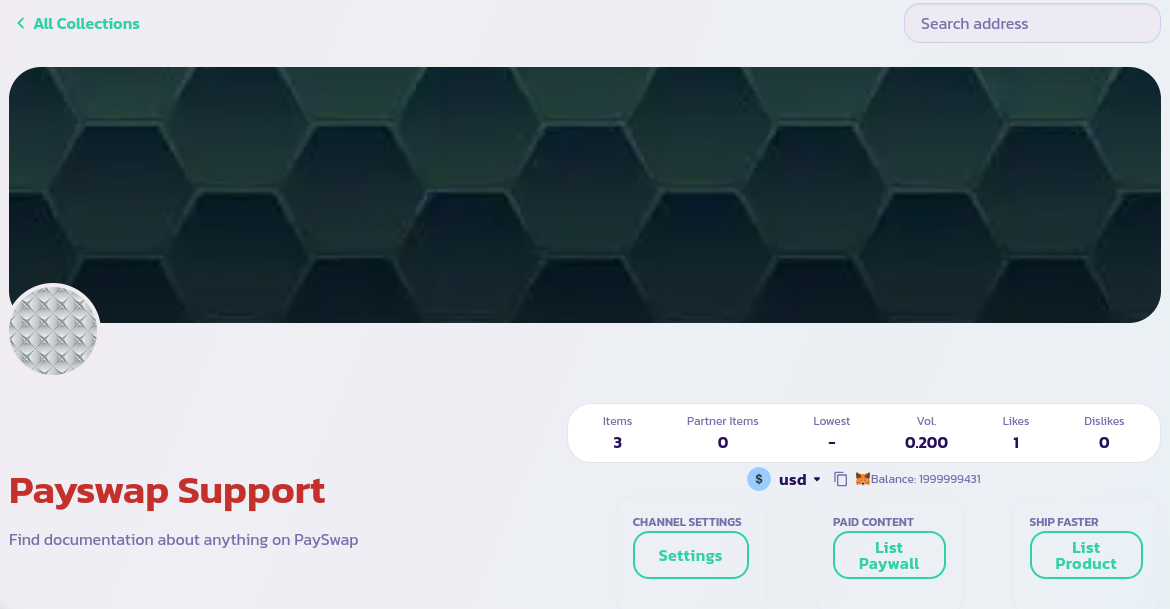
* আপনার চ্যানেল আপডেটের পছন্দ/অপছন্দের সংখ্যা দেখতে হবে
অভিনন্দন! আপনি সফলভাবে চ্যানেলের জন্য ভোট দিয়েছেন৷ এটি অন্যান্য ব্যবহারকারীদের চ্যানেলটি কতটা বিশ্বস্ত এবং যোগ্য সে সম্পর্কে ধারণা পেতে সাহায্য করবে।
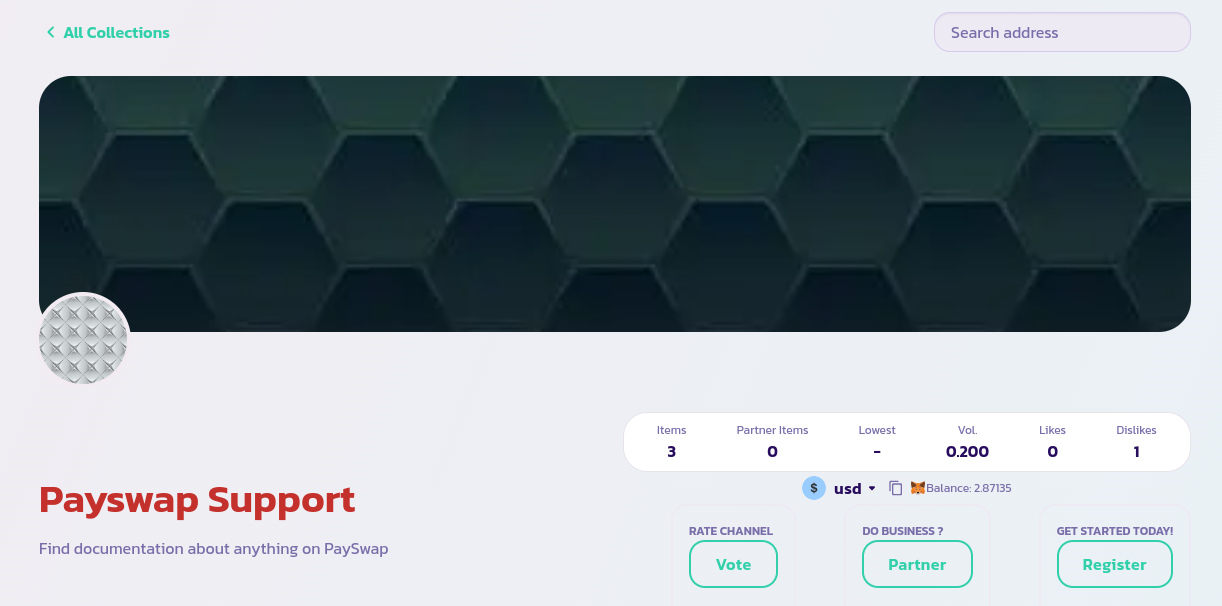
নিচের ছবির মতো লাইকের চেয়ে বেশি অপছন্দের চ্যানেল থেকে সাবধান থাকুন