> For the complete documentation index, see [llms.txt](https://docs.payswap.org/llms.txt). Markdown versions of documentation pages are available by appending `.md` to page URLs; this page is available as [Markdown](https://docs.payswap.org/espanol/products/paycards/marketplace-purchases.md).
# Compras en el mercado
Las PayCards te permiten realizar compras en el mercado CanCan sin tener/conectar una billetera.
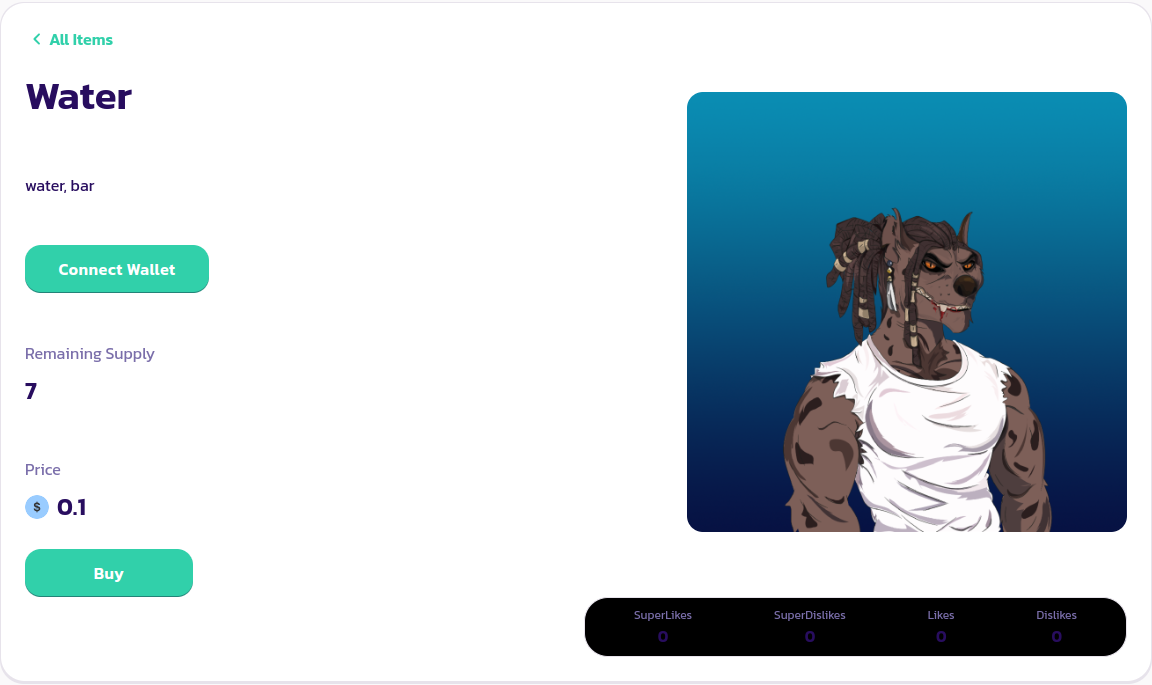
Simplemente ve a la página del producto que deseas comprar y haz clic en el botón **Comprar**.
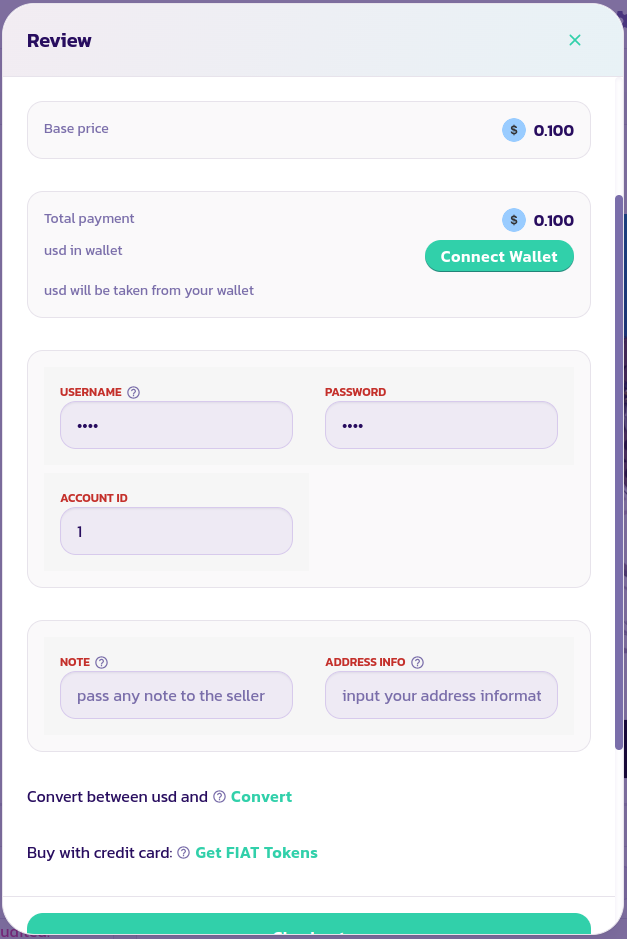
En el asistente que aparece, ingresa el ID de cuenta, nombre de usuario y contraseña de tu PayCard, así como cualquier nota o información de dirección que necesites adjuntar a tu pedido para que el comerciante pueda llevarlo a cabo de manera efectiva. Valida y confirma la transacción.
¡Felicidades! Has realizado tu primera compra sin una billetera en PaySwap.
[Obtén más ayuda de la comunidad aquí.](https://paychat.payswap.org/#/room/%23paycom%3Amatrix.org?via=matrix.org)