> For the complete documentation index, see [llms.txt](https://docs.payswap.org/llms.txt). Markdown versions of documentation pages are available by appending `.md` to page URLs; this page is available as [Markdown](https://docs.payswap.org/francais/products/cancan/paywalls/buying-paywall-subscriptions.md).
# Acheter des abonnements Paywall
S'abonner à un mur payant implique deux étapes :
* Acheter un abonnement
* Activer l'abonnement
Lorsqu'il n'est pas activé, l'abonnement n'est pas démarré et un abonnement d'un mois peut être conservé pendant plusieurs mois avant d'être activé. Cela peut permettre aux investisseurs d'investir dans des murs payants en achetant (mais en n'activant pas) plusieurs abonnements à ces murs payants et en attendant que le prix de l'abonnement à ces murs payants augmente pour vendre les abonnements précédemment achetés sur le marché secondaire à des utilisateurs souhaitant obtenir un abonnement moins cher au mur payant.
### Acheter un Abonnement
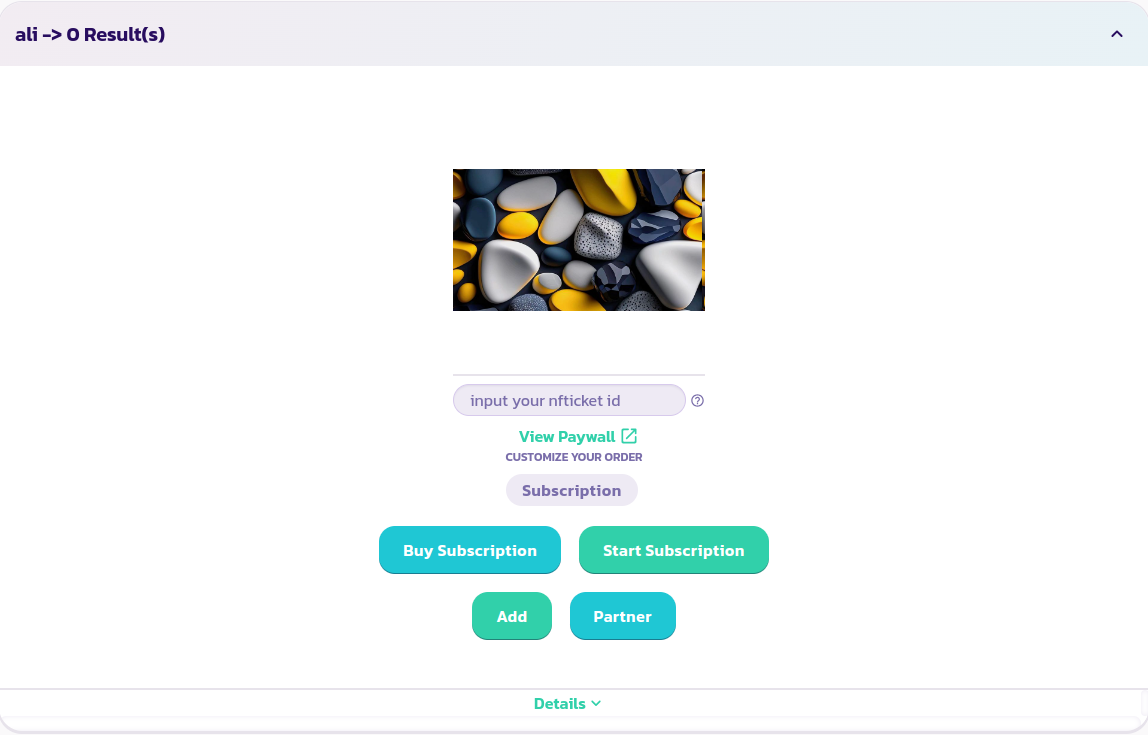
* Trouvez et développez le mur payant auquel vous souhaitez vous abonner
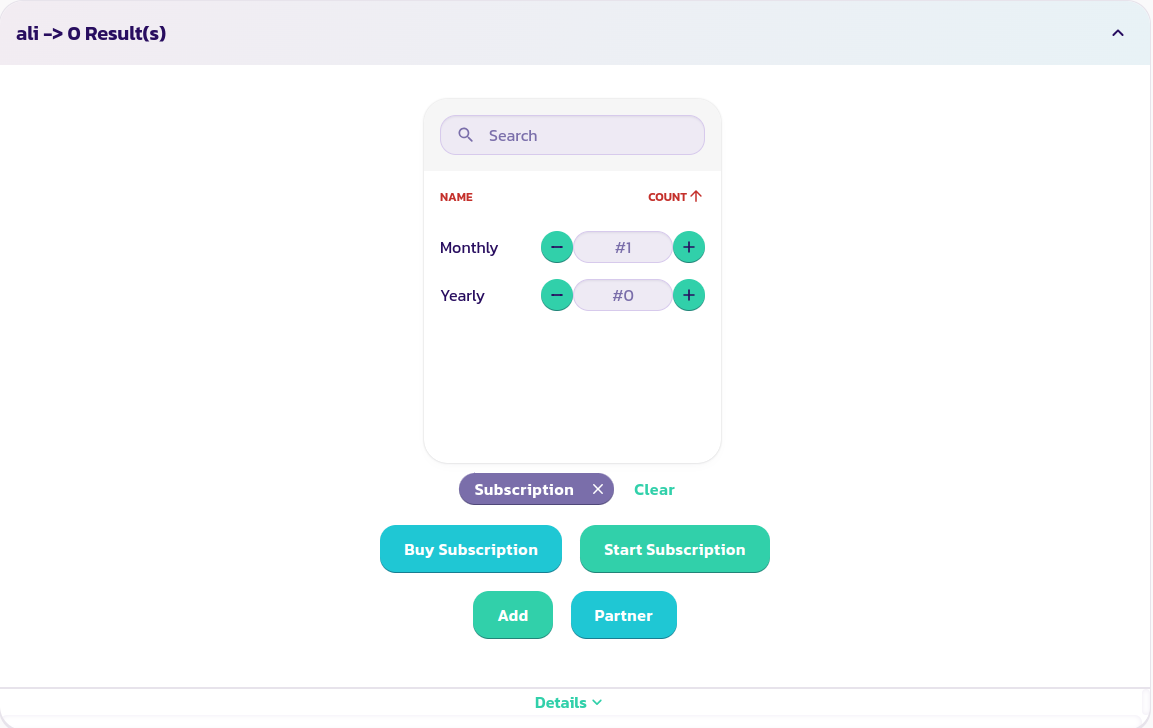
* Sélectionnez l'option d'abonnement que vous souhaitez acheter (si votre mur payant en propose). Dans l'image ci-dessous, nous choisissons d'acheter un abonnement mensuel
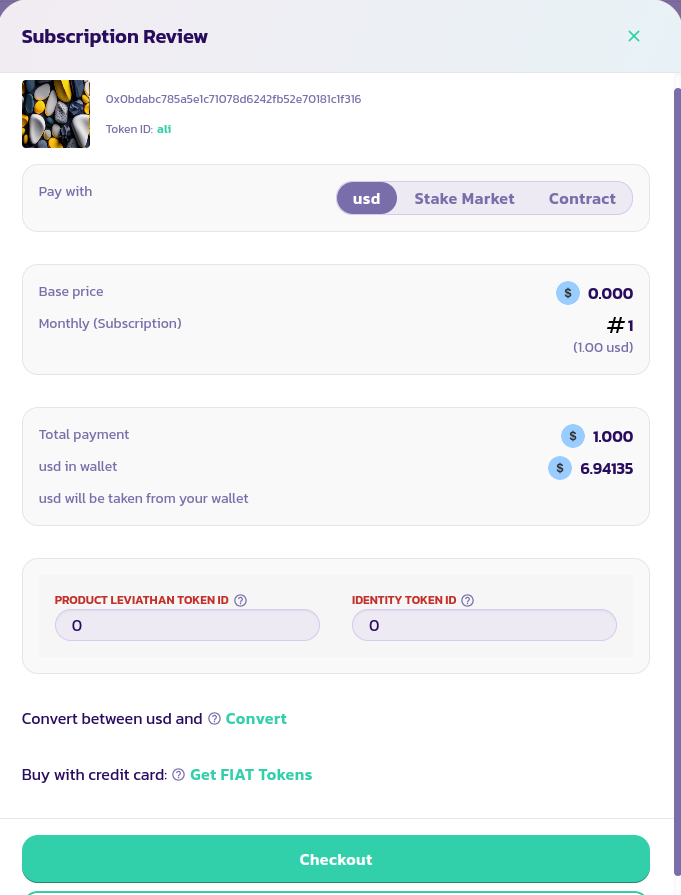
* Cliquez sur le bouton **Acheter un Abonnement**, remplissez et validez le formulaire. Vous pouvez acheter des abonnements directement avec votre portefeuille, via le marché de la mise en jeu ou via une Valuepool/DAO. Les guides sur la façon de procéder dans chaque cas sont disponibles dans la section produits/services.
{% content-ref url="/pages/6CE4u0bFaRrqrvpgagbL" %}
[Produits/Services](/francais/products/cancan/products-services.md)
{% endcontent-ref %}
Félicitations ! Vous avez acheté avec succès un abonnement.