> For the complete documentation index, see [llms.txt](https://docs.payswap.org/llms.txt). Markdown versions of documentation pages are available by appending `.md` to page URLs; this page is available as [Markdown](https://docs.payswap.org/francais/products/cancan/paywalls/partnering-with-paywalls.md).
# Partenariat avec Paywalls
Deux murs payants différents peuvent s'associer l'un à l'autre, ce qui rendra tout le contenu des deux murs payants disponible pour tout abonné de l'un ou l'autre des murs payants.
Cela peut permettre de multiples cas d'utilisation. Par exemple, 2 ou plusieurs musiciens peuvent chacun créer leur propre mur payant, puis s'associer les uns aux autres afin que toute personne qui s'abonne à l'un des murs payants puisse accéder à tout le contenu de tous les murs payants. Les revenus de chaque musicien seront le nombre d'abonnements vendus via son mur payant spécifique.
Certains murs payants (surtout s'ils ont déjà de la traction) pourraient décider de facturer les partenariats.
Voici un guide étape par étape pour s'associer avec un mur payant :
* La première étape est de s'associer avec la chaîne. La page des partenariats vous fournit un guide à cet effet.
{% content-ref url="/pages/4nFCojYpjsb30dHPRENM" %}
[Partenariats](/francais/products/cancan/partnerships.md)
{% endcontent-ref %}
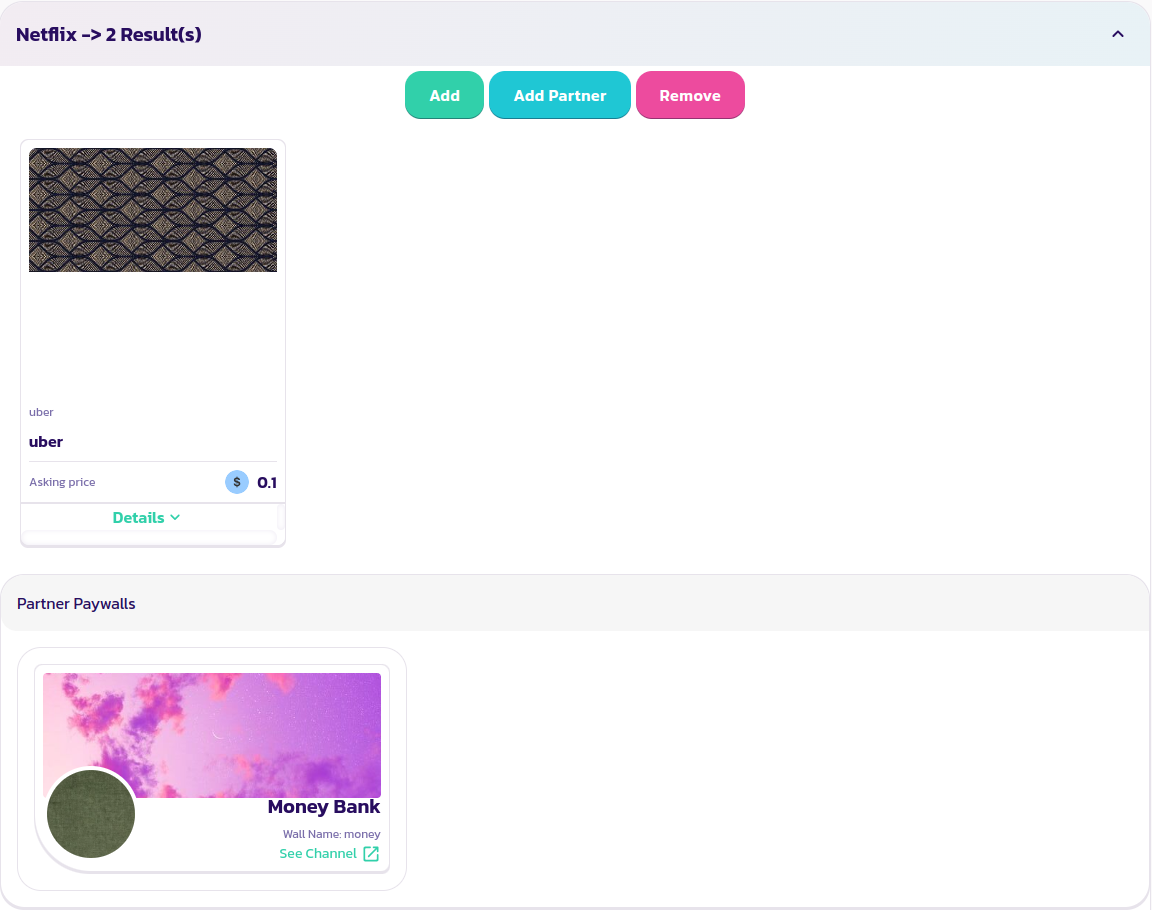
* Trouvez et développez le mur payant, puis cliquez sur le bouton **Ajouter un Partenaire**
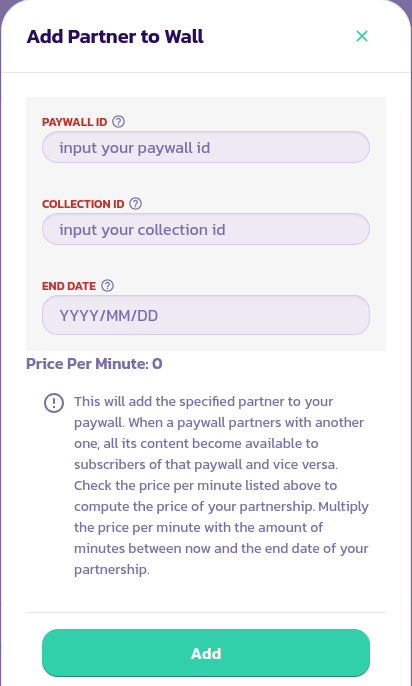
* Remplissez le formulaire avec les valeurs appropriées et validez la transaction
* Votre mur payant devrait apparaître comme partenaire du mur payant avec lequel vous venez de vous associer, et vice versa
.png?alt=media)
.png?alt=media)