> For the complete documentation index, see [llms.txt](https://docs.payswap.org/llms.txt). Markdown versions of documentation pages are available by appending `.md` to page URLs; this page is available as [Markdown](https://docs.payswap.org/francais/products/cancan/paywalls/removing-items-from-paywalls.md).
# Supprimer des articles des Paywalls
Voici un guide étape par étape pour retirer un article précédemment ajouté à votre mur payant :
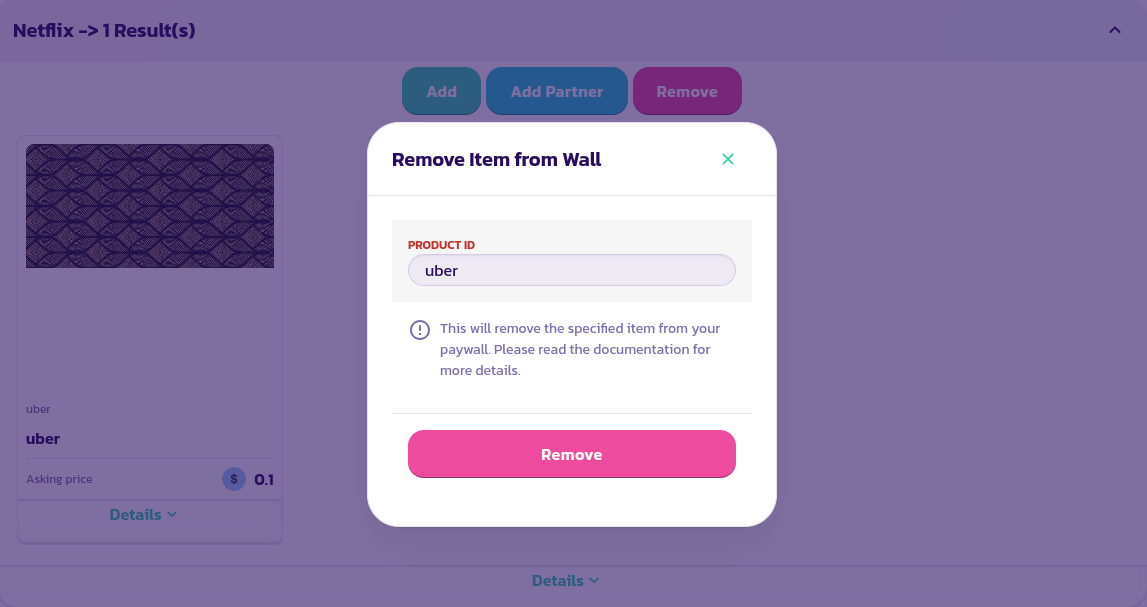
* Trouvez et développez le mur payant, puis cliquez sur le bouton **Retirer**
* Dans le formulaire qui apparaît, saisissez l'identifiant de l'article à retirer et validez le formulaire
Félicitations ! Vous avez réussi à retirer un article de votre mur payant.
.png?alt=media)