> For the complete documentation index, see [llms.txt](https://docs.payswap.org/llms.txt). Markdown versions of documentation pages are available by appending `.md` to page URLs; this page is available as [Markdown](https://docs.payswap.org/korean/products/cancan/paywalls/activating-paywall-subscriptions.md).
# 페이월 구독 활성화
결제벽 구독은 두 단계로 이루어집니다.
* 구독 구매
* 구독 활성화
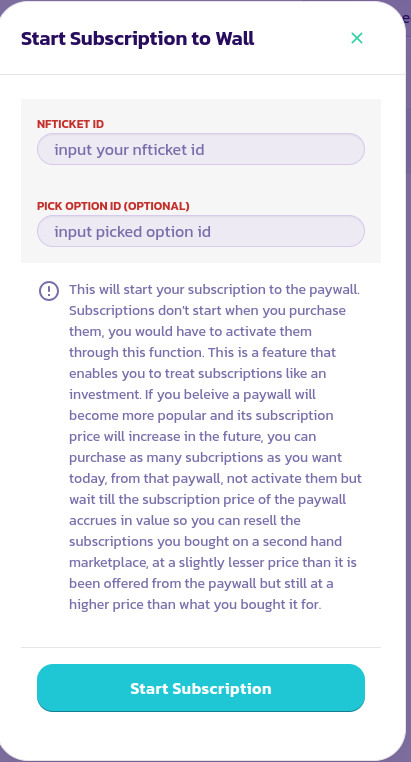
활성화되지 않은 경우 구독이 시작되지 않으며 1개월 구독은 활성화되기 전에 여러 달 동안 유지될 수 있습니다. 이는 투자자들이 특정 결제벽에 대한 구독을 구매하고(하지만 활성화하지 않음) 해당 결제벽의 구독 가격이 상승할 때까지 기다려서 이전에 구매한 구독을 보조 시장에서 저렴한 구독을 얻고자 하는 사용자들에게 판매할 수 있도록 합니다.
### 구독 활성화
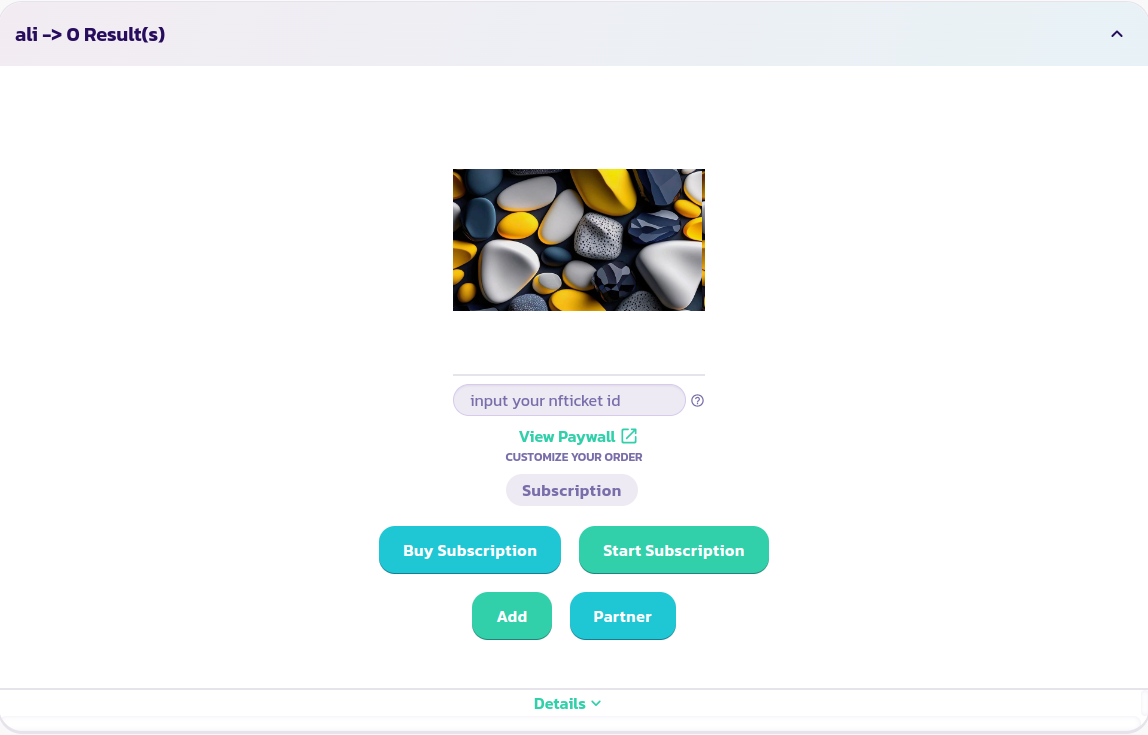
* 구독하려는 결제벽을 찾아 확장합니다.
* **구독 시작** 버튼을 클릭하고 나타나는 양식을 작성하고 유효성을 검사합니다.
* 결제벽 뒤의 콘텐츠를 보려면 구독 구매로부터 받은 NFTicket/eReceipt의 ID를 **Input nfticket id** 필드에 입력합니다. 이를 통해 결제벽이 구독이 활성화되었는지 여부를 감지할 수 있습니다. 이전 단계가 모두 성공적으로 완료되었다면 해당 필드에 ID를 입력한 후 몇 초 후에 결제벽의 모든 콘텐츠를 볼 수 있어야 합니다.
축하합니다! 구독을 성공적으로 시작했습니다.