> For the complete documentation index, see [llms.txt](https://docs.payswap.org/llms.txt). Markdown versions of documentation pages are available by appending `.md` to page URLs; this page is available as [Markdown](https://docs.payswap.org/polski/products/ecollectibles/custom-minters.md).
# Niestandardowi mennicy
Wdrożenie niestandardowego menedżera umożliwia wysyłanie klientom NFT z własnego kontraktu NFT (mintera).
Oto przewodnik krok po kroku dotyczący wdrażania niestandardowego mintera:
* Upewnij się, że utworzyłeś kanał. Instrukcję, jak to zrobić, znajdziesz na poniższej stronie:
{% content-ref url="/pages/ejxYrSsyoHO7J2gfL7cg" %}
[CanCan](/polski/products/cancan.md)
{% endcontent-ref %}
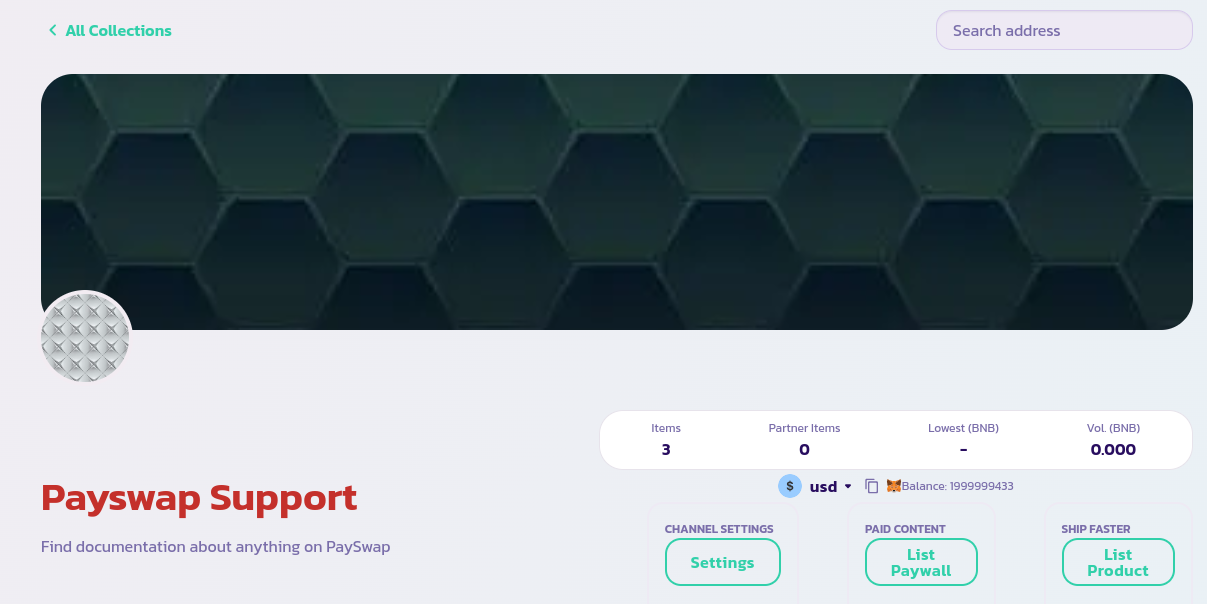
* Przejdź do strony głównej kanału i kliknij przycisk **Lista produktów**
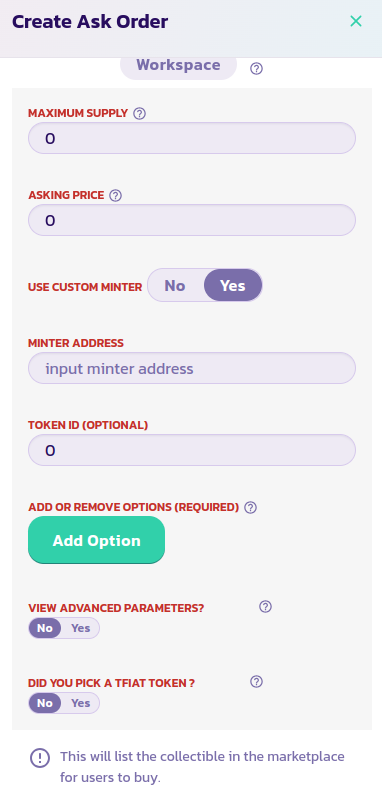
* Przeczytaj opis każdego parametru i podaj odpowiednią wartość. Zatwierdź formularz i po kilku sekundach powinieneś zobaczyć swój NFT wyświetlony wraz z resztą poprzednich NFT. Załaduj ponownie stronę, jeśli Twój NFT się nie wyświetli. Ustaw parametr **Użyj** **Custom Minter** na Tak, jak na obrazku poniżej i wprowadź adres kontraktu NFT w polu **Adres Mintera**. Zweryfikuj i potwierdź transakcję.