# 請求書

<figure><img src="/files/02cYlfFtrhfvqe6UdYX7" alt=""><figcaption></figcaption></figure>

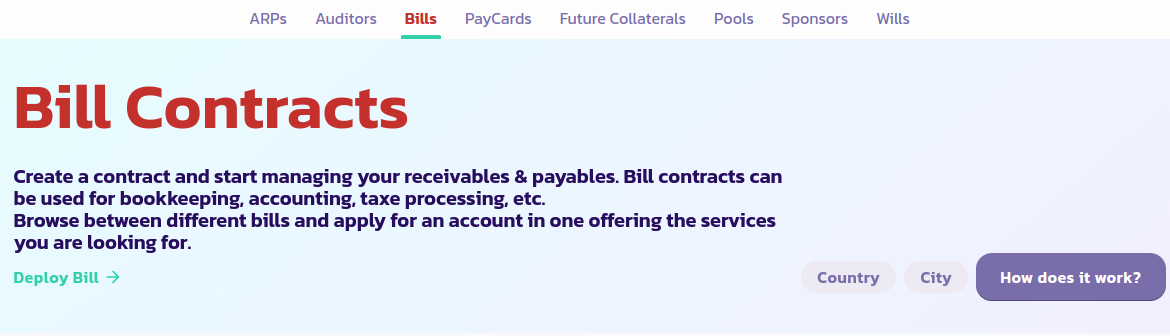
Bills（ビル）は、ブロックチェーン上に展開される契約で、ユーザーがシステム銀行アプリや税金処理アプリなどを設定できるようにします。

以下は、Bill契約を展開する手順のステップバイステップガイドです：

1. [Billページ](https://payswap.org/bills)にアクセスし、**Deploy Bill**ボタンをクリックします。

<figure><img src="/files/HPt3PPzrX6YZwT0WDNgJ" alt=""><figcaption></figcaption></figure>

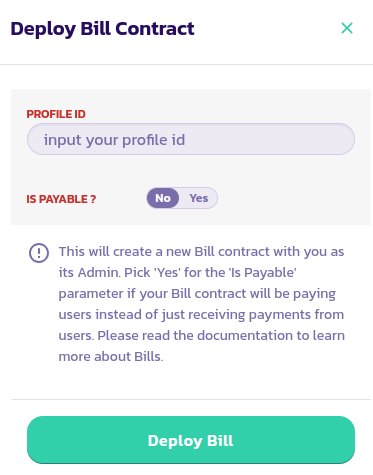
2. 表示されるフォームに必要事項を入力し、トランザクションを承認します。

<figure><img src="/files/KuSNKREAVyzsrwUq8MR5" alt=""><figcaption></figcaption></figure>

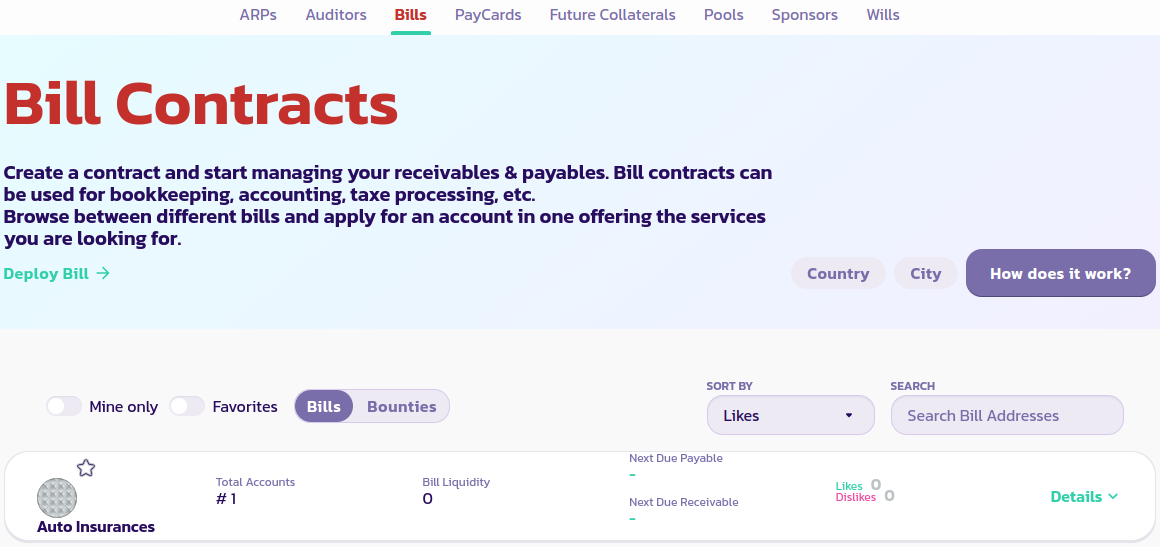
3. **Mine Only**ボタンをクリックして、あなたのBill契約のみを表示します。まだBill契約が表示されない場合は、ページをリロードしてから再度**Mine Only**をクリックします。

<figure><img src="/files/f36AanyBdoFrN7QBVXkE" alt=""><figcaption></figcaption></figure>

[コミュニティからさらなるサポートを受け取るにはこちらをクリックしてください。](https://paychat.payswap.org/#/room/%23paycom%3Amatrix.org?via=matrix.org)


---

# Agent Instructions: Querying This Documentation

If you need additional information that is not directly available in this page, you can query the documentation dynamically by asking a question.

Perform an HTTP GET request on the current page URL with the `ask` query parameter:

```
GET https://docs.payswap.org/ri-ben-yu/products/bills.md?ask=<question>
```

The question should be specific, self-contained, and written in natural language.
The response will contain a direct answer to the question and relevant excerpts and sources from the documentation.

Use this mechanism when the answer is not explicitly present in the current page, you need clarification or additional context, or you want to retrieve related documentation sections.