# パートナーのバリュープールをリストする

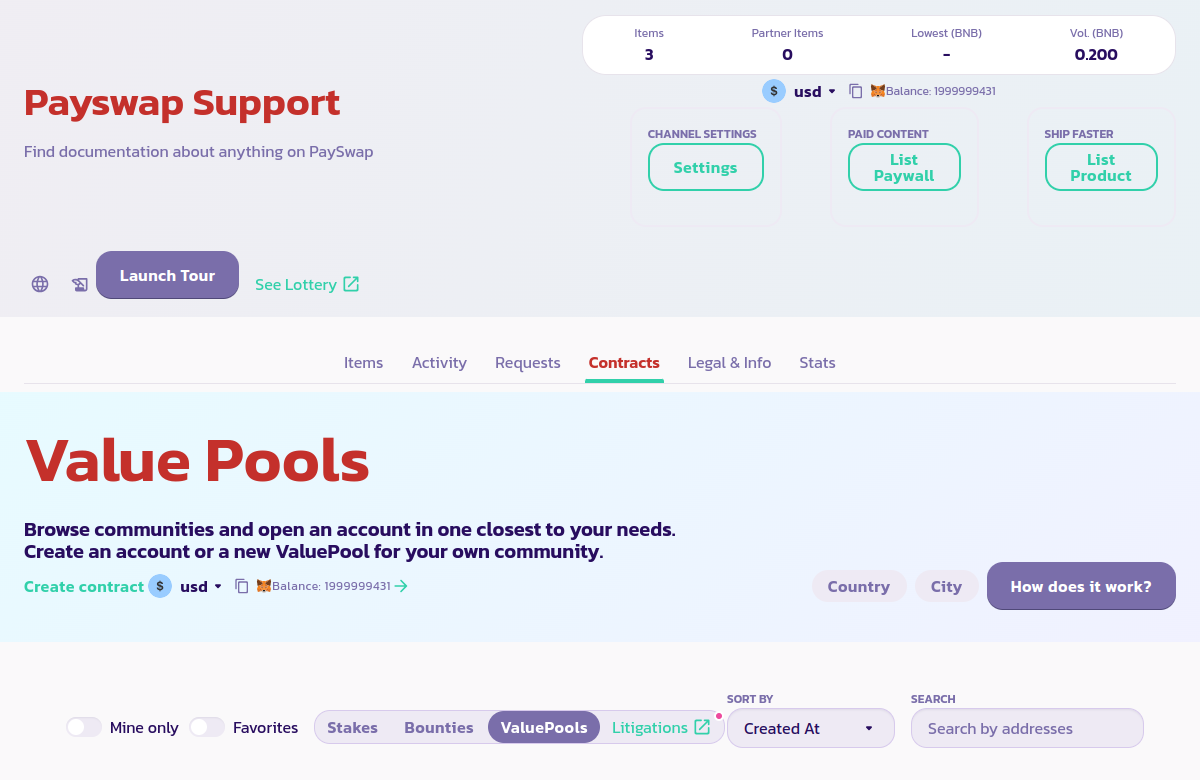
この機能を使用すると、パートナーのバリュープールまたはあなたのチャンネルのバリュープールを、メインページの **Contracts > Valuepools** タブにリストできます。

<figure><img src="/files/x73ugRDYTHFI8z2TXlE9" alt=""><figcaption></figcaption></figure>

手順は以下の通りです：

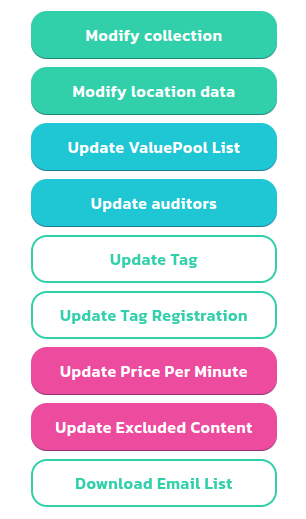
* 設定ボタンをクリックし、次にバリュープールリストを更新するボタンをクリックして、以下のフォームを表示します。
<div><figure><img src="/files/i8pBgMafbGIZDFTgmJkg" alt=""><figcaption></figcaption></figure> <figure><img src="/files/wNaYKNUCGXk47PoCTP3R" alt=""><figcaption></figcaption></figure></div>

* 右側のフォームを使用して、チャンネルのメインページの **Contracts > Valuepools** タブにバリュープールをリスト化/非リスト化できます。これにより、ユーザーはバリュープールをより簡単に見つけてアカウントを作成できるようになります。


---

# Agent Instructions: Querying This Documentation

If you need additional information that is not directly available in this page, you can query the documentation dynamically by asking a question.

Perform an HTTP GET request on the current page URL with the `ask` query parameter:

```
GET https://docs.payswap.org/ri-ben-yu/products/cancan/list-partner-valuepools.md?ask=<question>
```

The question should be specific, self-contained, and written in natural language.
The response will contain a direct answer to the question and relevant excerpts and sources from the documentation.

Use this mechanism when the answer is not explicitly present in the current page, you need clarification or additional context, or you want to retrieve related documentation sections.