# ペイウォール

ペイウォールを使用すると、ユーザーにコンテンツのサブスクリプションを申し込んでもらうことができます。ペイウォールをリストに追加すると、以前にリストされたコンテンツをその後ろに追加することができ、ユーザーはそのコンテンツを表示するためにペイウォールにサブスクライブする必要があります。

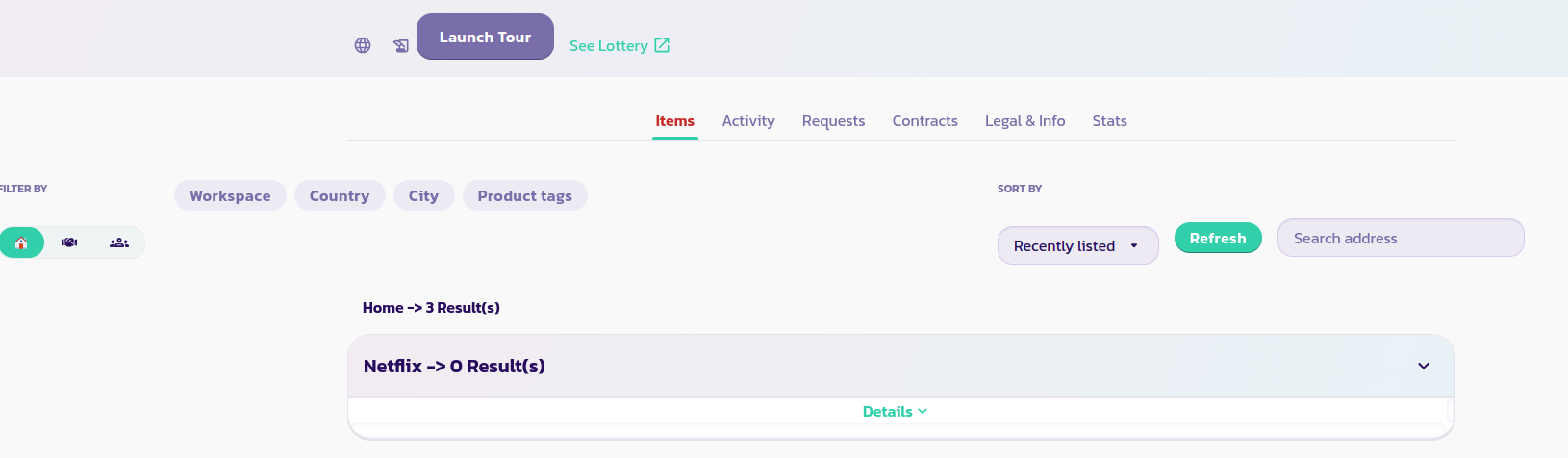
* チャンネルのメインページにリストされたペイウォールが表示される方法は次のとおりです。

<figure><img src="/files/d9UYdb4NdqCw2br9Y954" alt=""><figcaption></figcaption></figure>

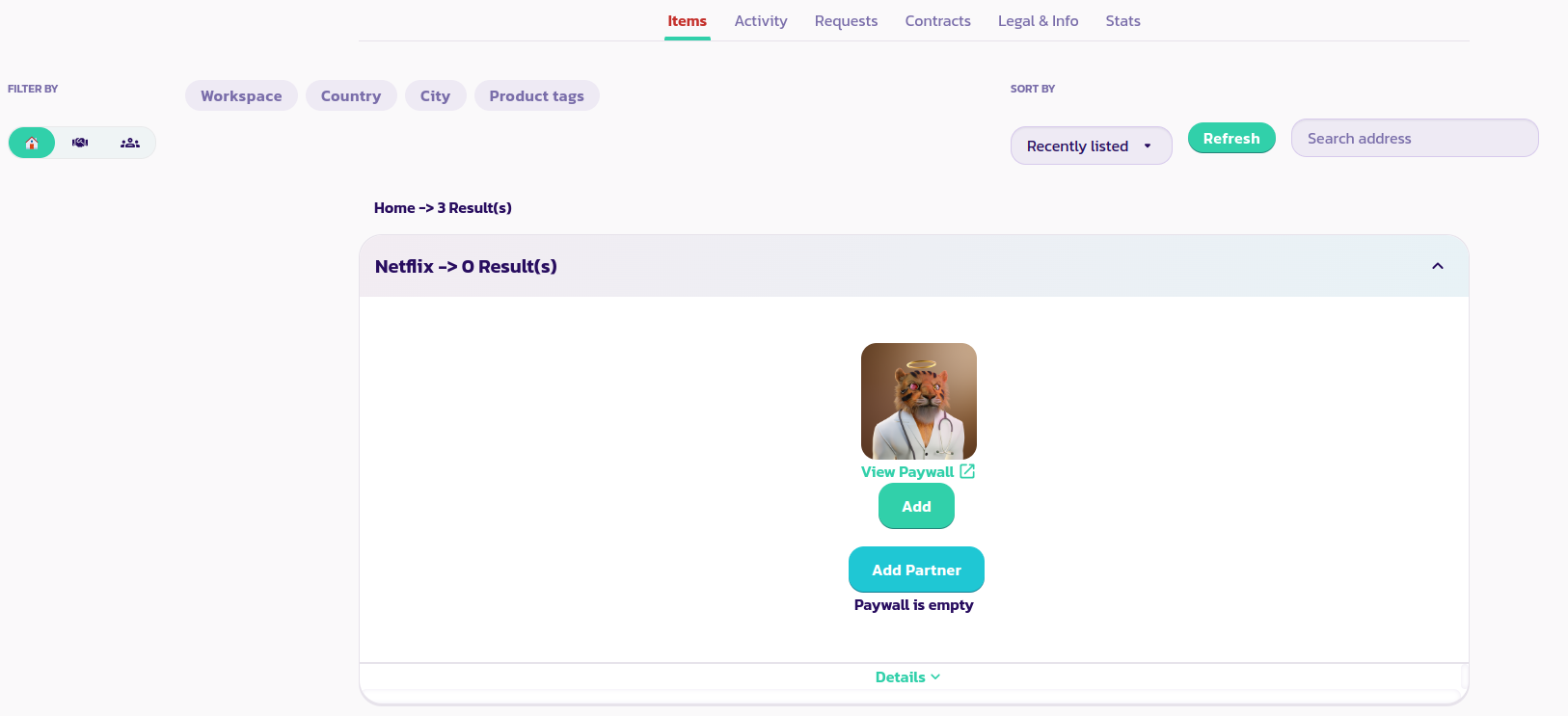
* ペイウォールに関する詳細を表示するには、下向き矢印をクリックします。

<figure><img src="/files/S60OJouKS114ei5UX8H4" alt=""><figcaption></figcaption></figure>

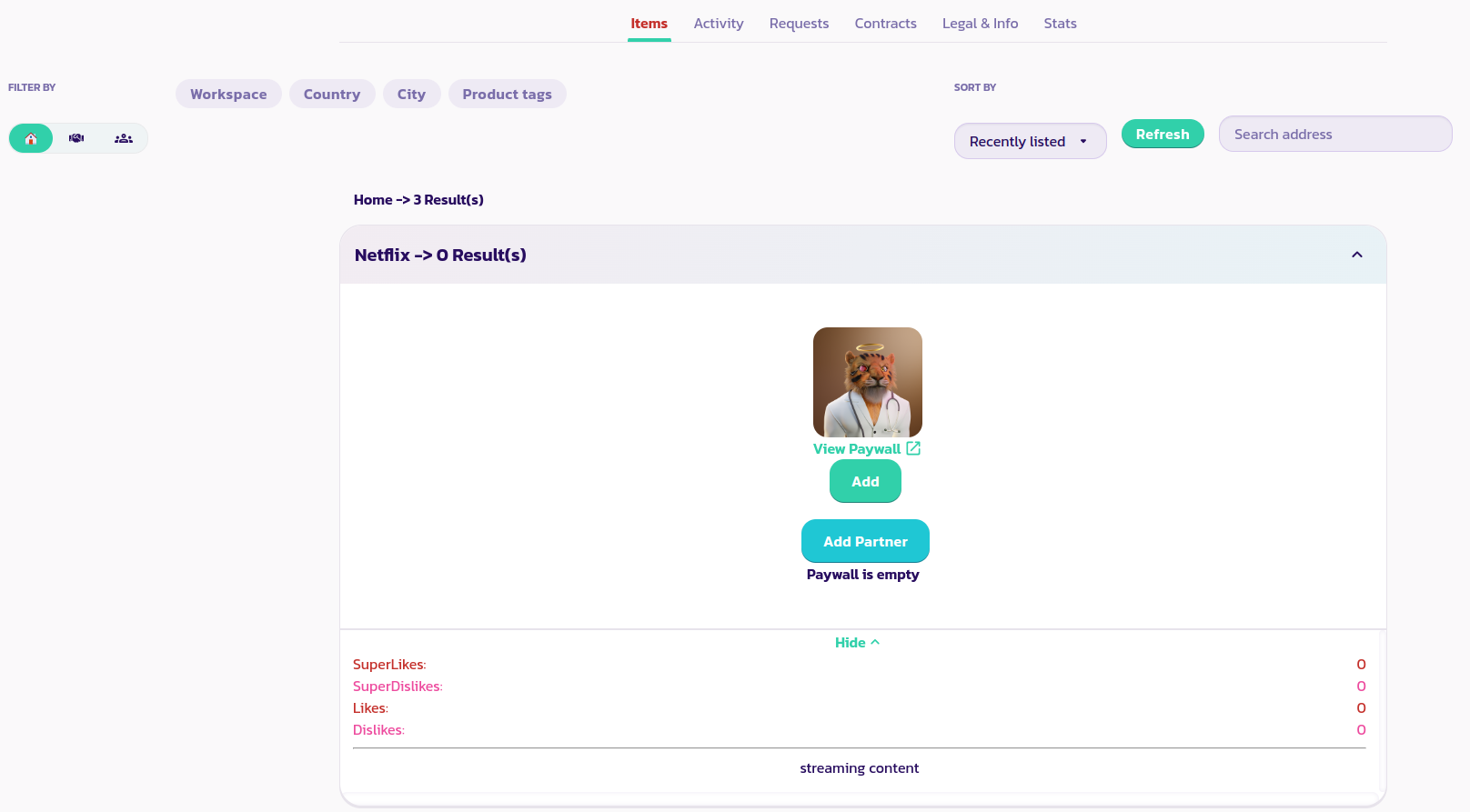
* 詳細ボタンをクリックして、ユーザーからのいいね/いいねできない数や説明を読むことができます。

<figure><img src="/files/N9sPszajP2aNvAEJuUwj" alt=""><figcaption></figcaption></figure>

必要に応じて、ペイウォールを複数設定することができます。


---

# Agent Instructions: Querying This Documentation

If you need additional information that is not directly available in this page, you can query the documentation dynamically by asking a question.

Perform an HTTP GET request on the current page URL with the `ask` query parameter:

```
GET https://docs.payswap.org/ri-ben-yu/products/cancan/paywalls.md?ask=<question>
```

The question should be specific, self-contained, and written in natural language.
The response will contain a direct answer to the question and relevant excerpts and sources from the documentation.

Use this mechanism when the answer is not explicitly present in the current page, you need clarification or additional context, or you want to retrieve related documentation sections.