# 投票

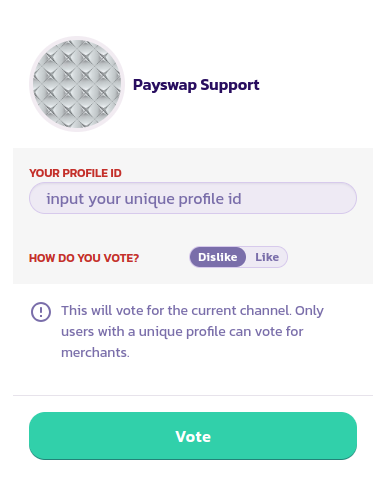
投票は、チャンネルに対する感謝や不満を表す方法です。ユーザーがチャンネルに投票できるのは、ユニークなプロフィールを持つユーザーだけです。チャンネルに投票する手順は次のとおりです。

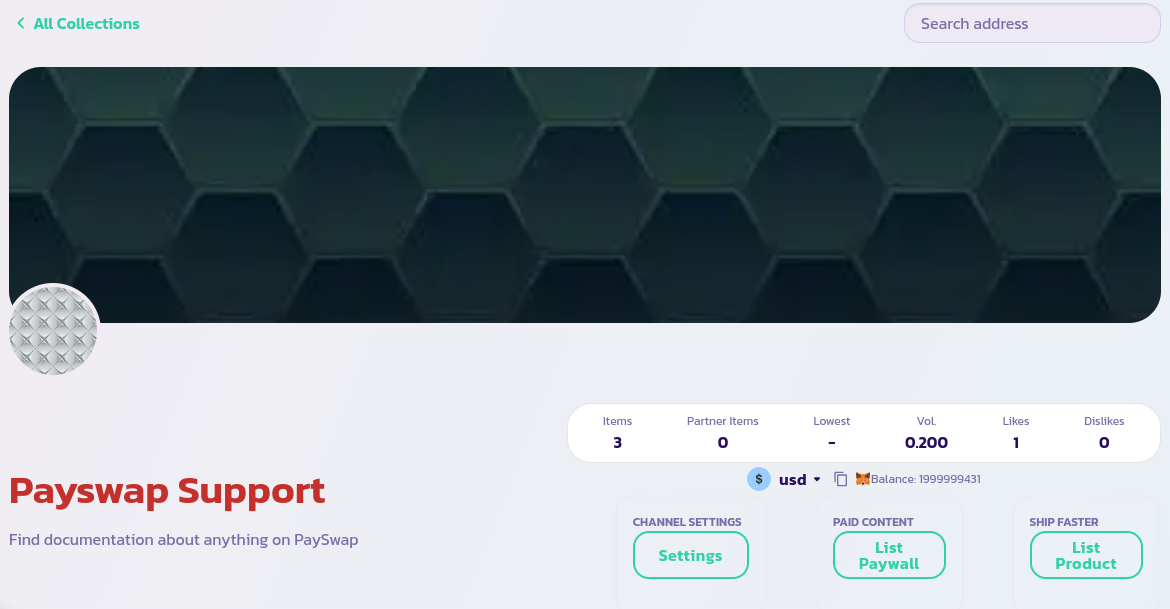
* 投票したいチャンネルのメインページに移動し、**Vote** ボタンをクリックします。

<figure><img src="/files/Q41ANA29oqaXAd7hZvnJ" alt=""><figcaption></figcaption></figure>

* フォームに記入して検証し、投票を完了します。

<figure><img src="/files/4xXnuDX8H91p2gjzgn64" alt=""><figcaption></figcaption></figure>

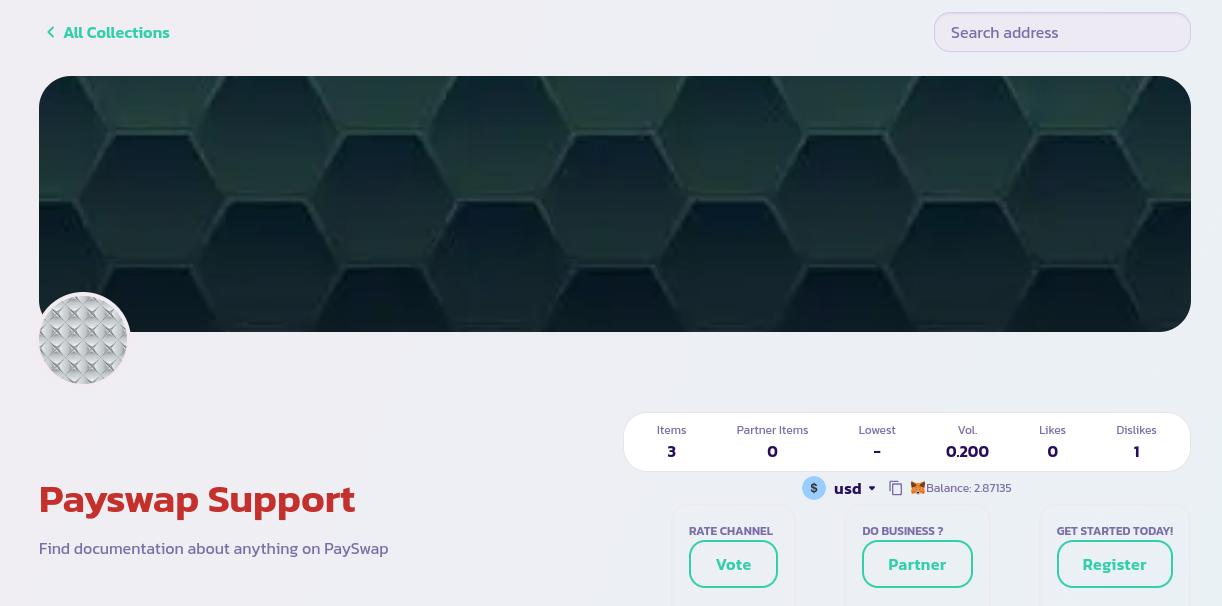
* チャンネルのいいね/いまいま数が更新されていることを確認してください。

<figure><img src="/files/uprL5MzEz4BswjbzhQLf" alt=""><figcaption></figcaption></figure>

おめでとうございます！チャンネルに投票しました。これにより、他のユーザーがそのチャンネルの信頼性と能力を把握するのに役立ちます。

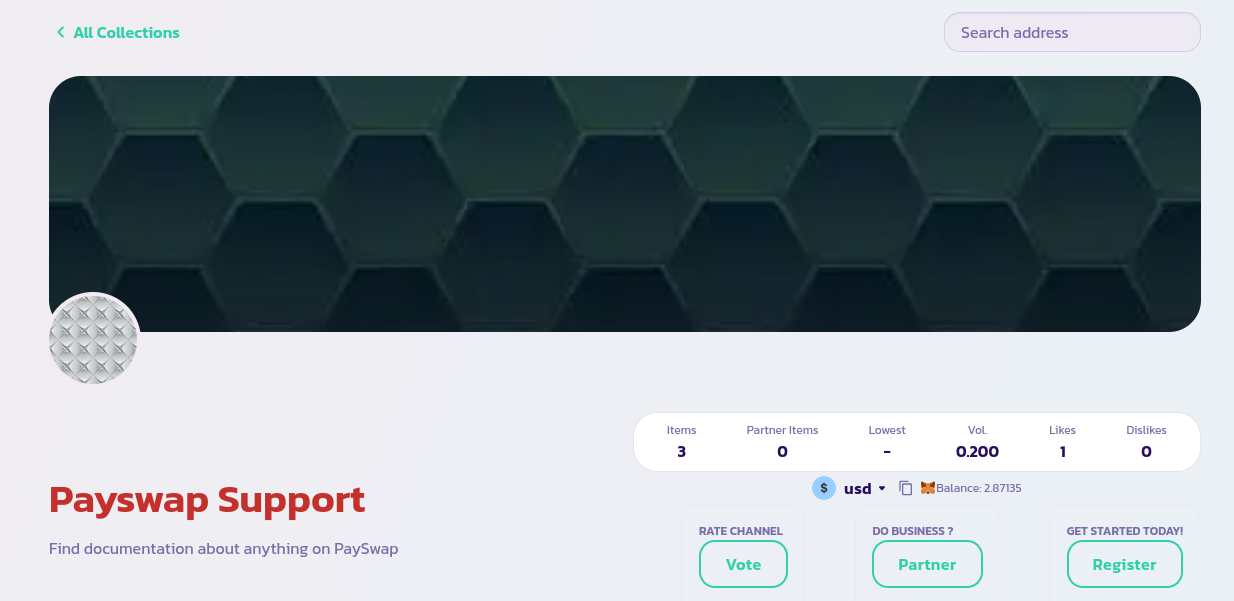
以下の画像のように、いいねよりもいまいまの数が多いチャンネルに注意してください。
<figure><img src="/files/mCGv7S4PDpPt78cQamEG" alt=""><figcaption></figcaption></figure>


---

# Agent Instructions: Querying This Documentation

If you need additional information that is not directly available in this page, you can query the documentation dynamically by asking a question.

Perform an HTTP GET request on the current page URL with the `ask` query parameter:

```
GET https://docs.payswap.org/ri-ben-yu/products/cancan/votes.md?ask=<question>
```

The question should be specific, self-contained, and written in natural language.
The response will contain a direct answer to the question and relevant excerpts and sources from the documentation.

Use this mechanism when the answer is not explicitly present in the current page, you need clarification or additional context, or you want to retrieve related documentation sections.