> For the complete documentation index, see [llms.txt](https://docs.payswap.org/llms.txt). Markdown versions of documentation pages are available by appending `.md` to page URLs; this page is available as [Markdown](https://docs.payswap.org/ri-ben-yu/products/ssi/creating-an-ssid.md).
# SSIDの作成
自己主権識別子、またはSSIDの作成
ユニークなプロフィールを持つには、SSIDを作成する必要があります。ユニークなプロフィールは必須ではありませんが、投票や監査人になるなどの特定のことには必要です。
SSIDは、PaySwapの監査人がプラットフォームのユーザーのために作成する一意のIDです。フォーマットは**Payswap-YYY-XXXXXXXX**です。ここで、Xはユーザーの国民ID番号のプレースホルダであり、Yはユーザーの国民IDの発行国の国コードのプレースホルダです。
監査人として、ユーザーがあなたに連絡してSSIDを作成するために監査人契約を設定してください。これについて詳しくは、以下のページのガイドに従ってください:
{% content-ref url="/pages/7JMHplroUiGNVOaUXkRO" %}
[SSID監査](/ri-ben-yu/products/auditors/ssi-audits.md)
{% endcontent-ref %}
これを行ったら、ユーザーがあなたに連絡するのを待ち、ユーザーのXとYを取得してください。
ユーザーに偽のSSIDを提供した場合、あなたの監査人の報酬を請求される可能性があります。ユーザーの国からの正規の国民IDを認識する方法を知っておくことが重要です。その国のユーザーのためにSSIDを作成しようとする前に。
ユーザーの正規の情報(国コード、国民ID番号、国民IDカードの有効期限)を取得したら、以下の手順に従って彼/彼女のSSIDを作成できます:
* ユーザーが[このページ](/ri-ben-yu/products/ssi.md)のガイドに従ってSSIアカウントを作成したことを確認してください。
* ユーザーが[このページ](/ri-ben-yu/products/profile.md)のガイドに従ってPaySwapプロフィールを作成したことを確認してください。
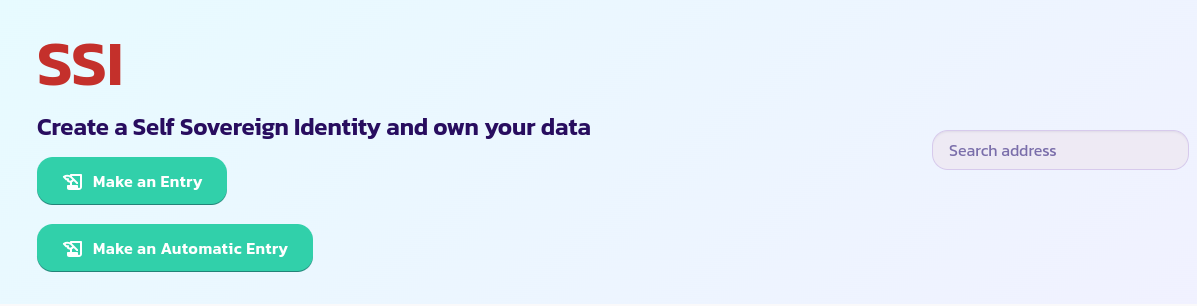
* ユーザーのSSIアカウントアドレスとプロフィールIDを取得し、次に[SSIページ](https://payswap.org/ssi)に移動します。
* **Entry Type**としてGeneralを選択し、ユーザーのプロフィールIDに続いてあなたのID、今日の日付、およびユーザーの国民IDカードの有効期限を入力します
* トランザクションを検証して確認します。
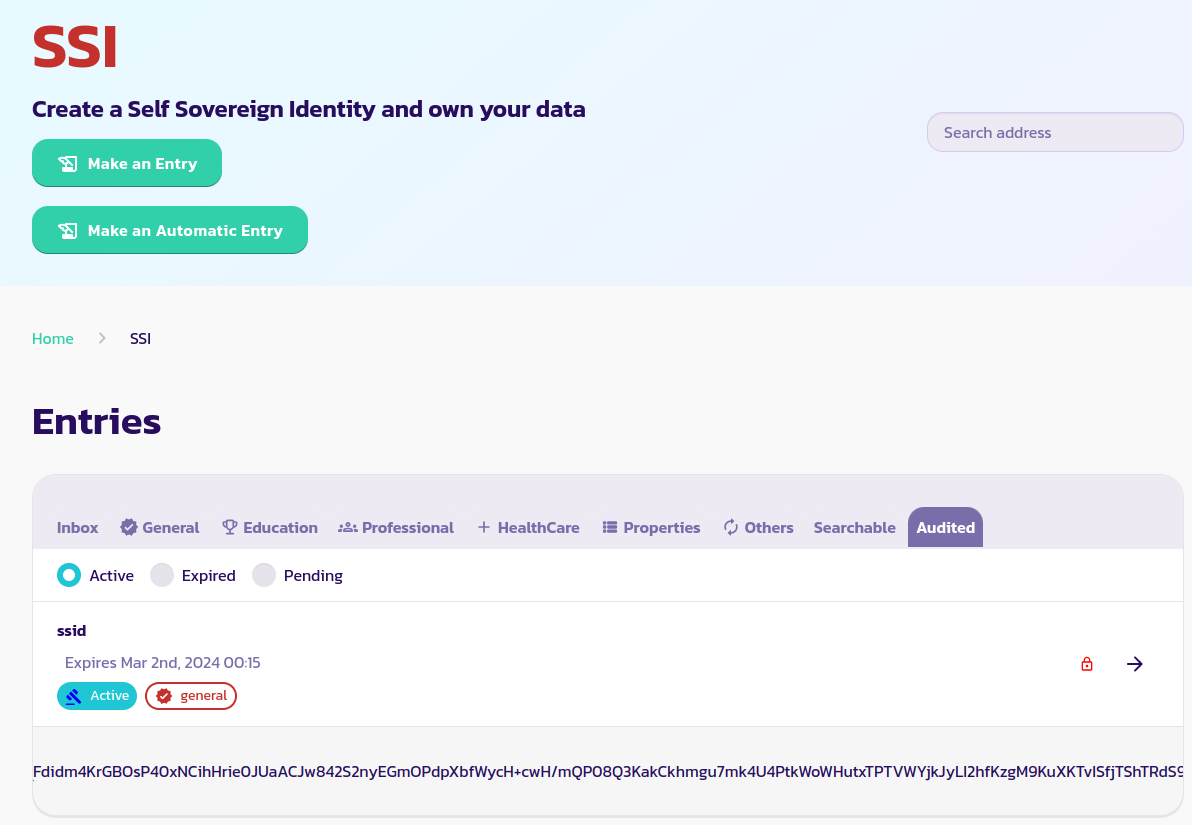
これ以降の手順は、ユーザーのアイデンティティトークンを生成することです。[SSIページ](https://payswap.org/ssi)に移動し、**Audited**タブの下に作成したSSIDを表示できるはずです。
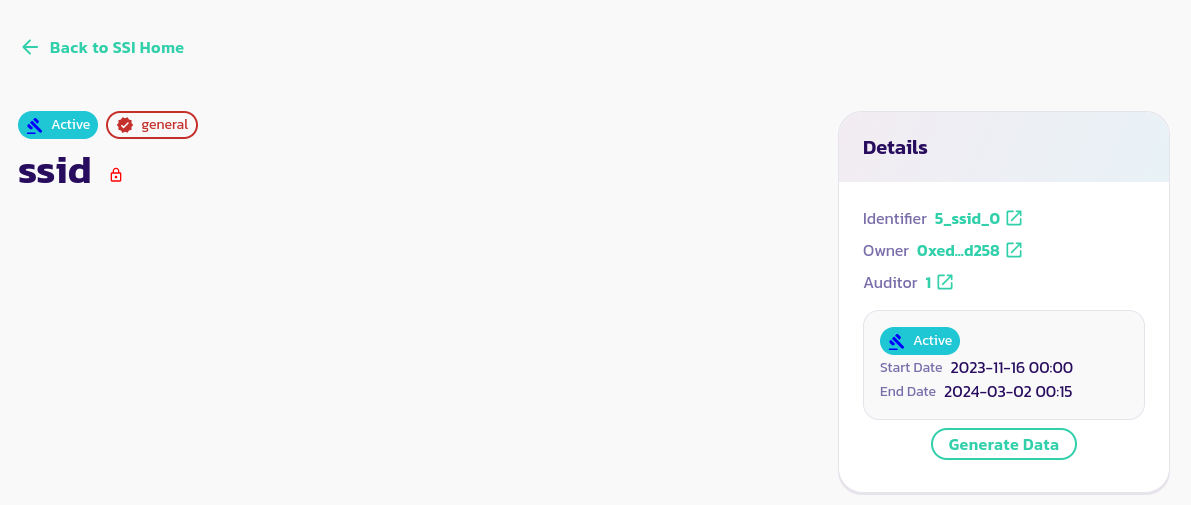
ssidパネルをクリックして以下のページに移動します。データを復号化することはできませんが、これはあなたが作成した同じSSIDであるため、問題ありません。
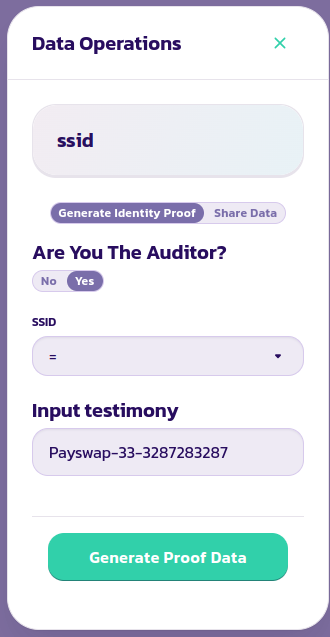
**Generate Data**ボタンをクリックし、上記の手順で入力した正確なSSIDを入力し、**Are You The Auditor**フィールドにもYesをチェックし、トランザクションを検証します。
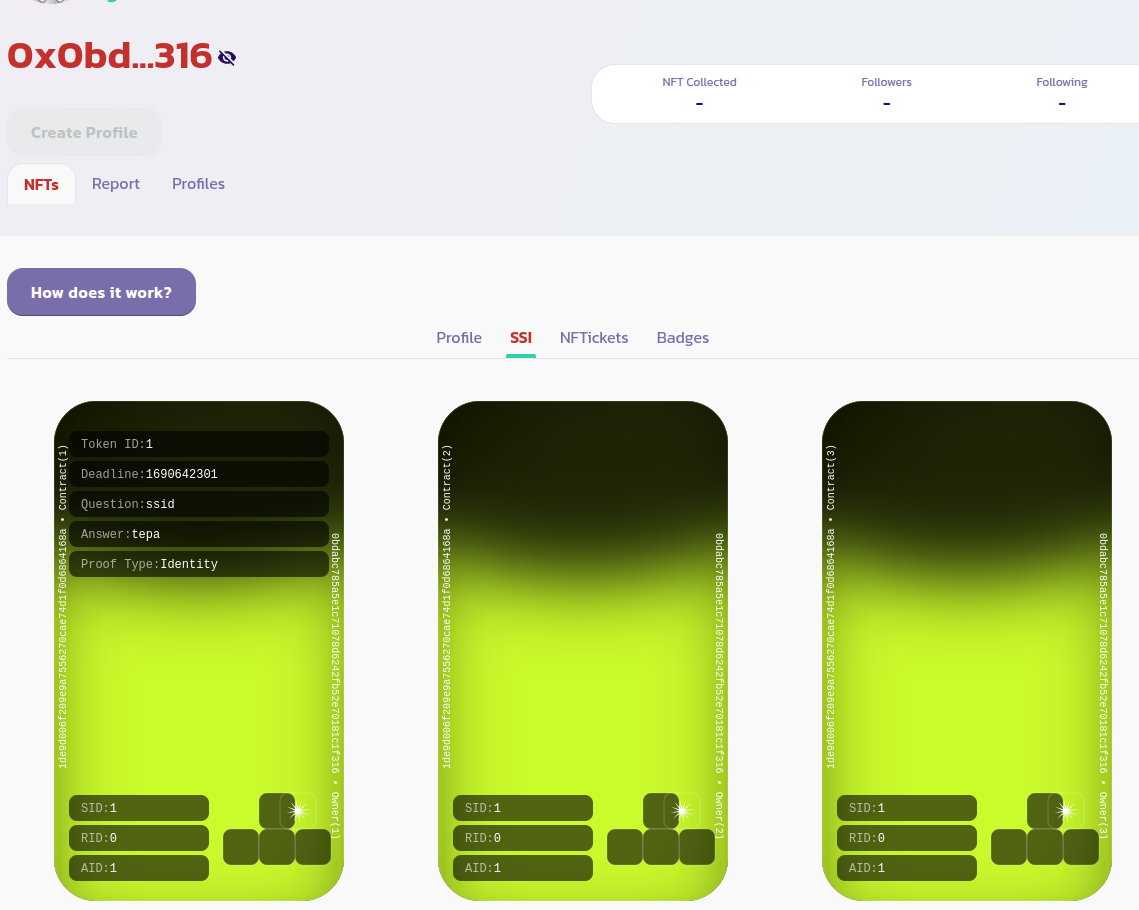
ユーザーは今、彼/彼女のプロフィールページの**NFTs > SSI**タブで、あなたが作成したばかりのアイデンティティトークンを表示できるはずです。
[コミュニティからさらなるサポートを受け取る](https://paychat.payswap.org/#/room/%23paycom%3Amatrix.org?via=matrix.org)