# 承認トランザクションとは何ですか?

**初めてスワップまたは流動性を追加するときは、スワップするトークンを承認する必要があります。 これにより、PaySwap スマート コントラクトにウォレットからトークンを交換する許可が与えられます。**

承認トランザクションにより、ウォレットからトークンを交換するための PaySwap 権限が許可されます。 PaySwap を使用して交換するすべてのトークンの承認トランザクションを完了する必要があります。

承認トランザクションを完了する方法に関するガイドは次のとおりです。

1. スワップの詳細を入力します。

   <figure><img src="/files/NC7arTkPN4IAfWRMhCfc" alt=""><figcaption></figcaption></figure>
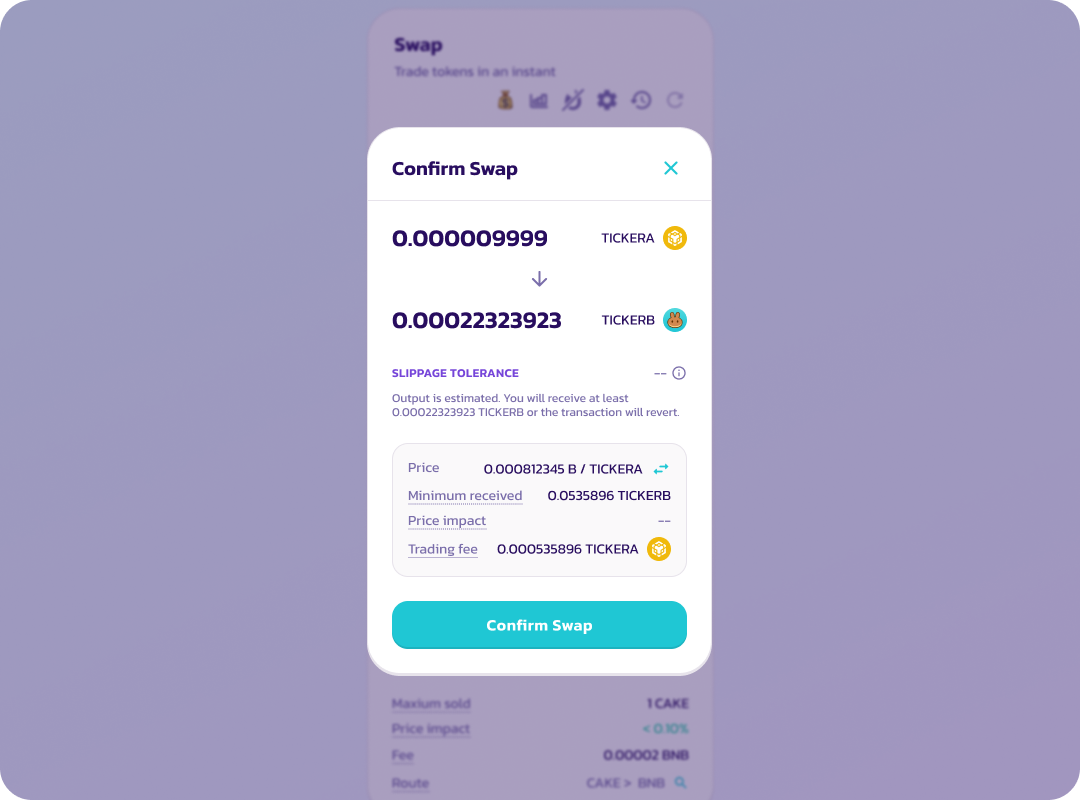
2. スワップの詳細を確認した後、「スワップを確認する」を選択します。

   <figure><img src="/files/C8Jr0SUzM6owWGjq5aWQ" alt=""><figcaption></figcaption></figure>
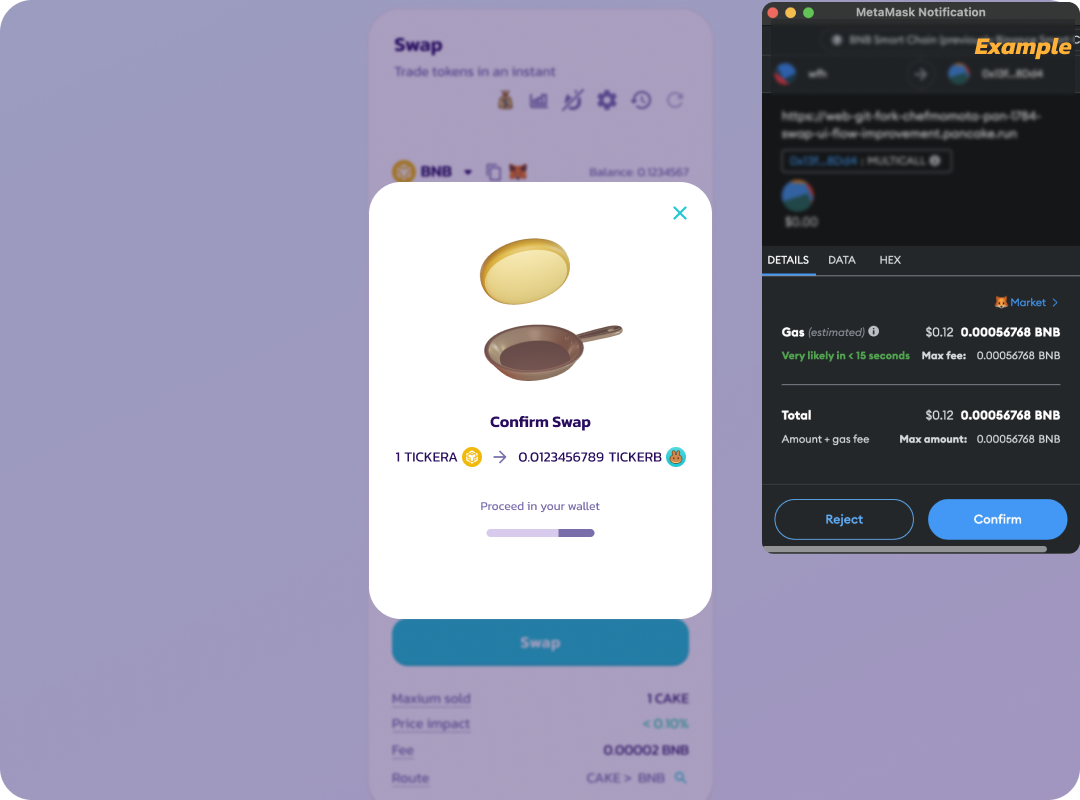
3. ウォレット アプリまたはウォレット拡張機能で、交換するトークンの支出を承認します。

ウォレット内でトークンをスワップに使用できるようにします。

*ウォレットによっては、承認するトークンの数を入力する必要がある場合があります。 スワップするトークンの数以上の数値を入力してください。*

<figure><img src="/files/3FmN7VuXJroAjGcAkk5d" alt=""><figcaption></figcaption></figure>

4. 承認後、スワップの確認を求める別のトランザクションが表示されます。

   <figure><img src="/files/iZBlKaq4SecrXNYOub5s" alt=""><figcaption></figcaption></figure>
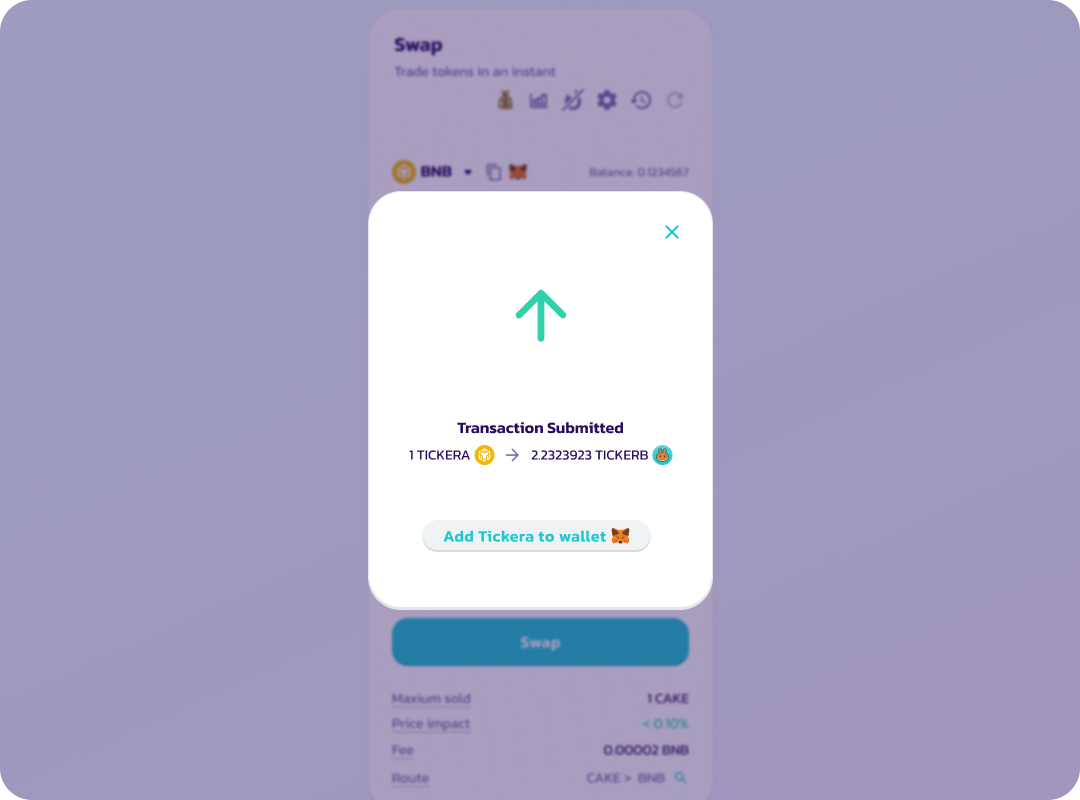
5. スワップが確認されると、トランザクションはブロックチェーンに送信されます (保留中)。

   <figure><img src="/files/aSvguJVBaAIshftsg9RD" alt=""><figcaption></figcaption></figure>
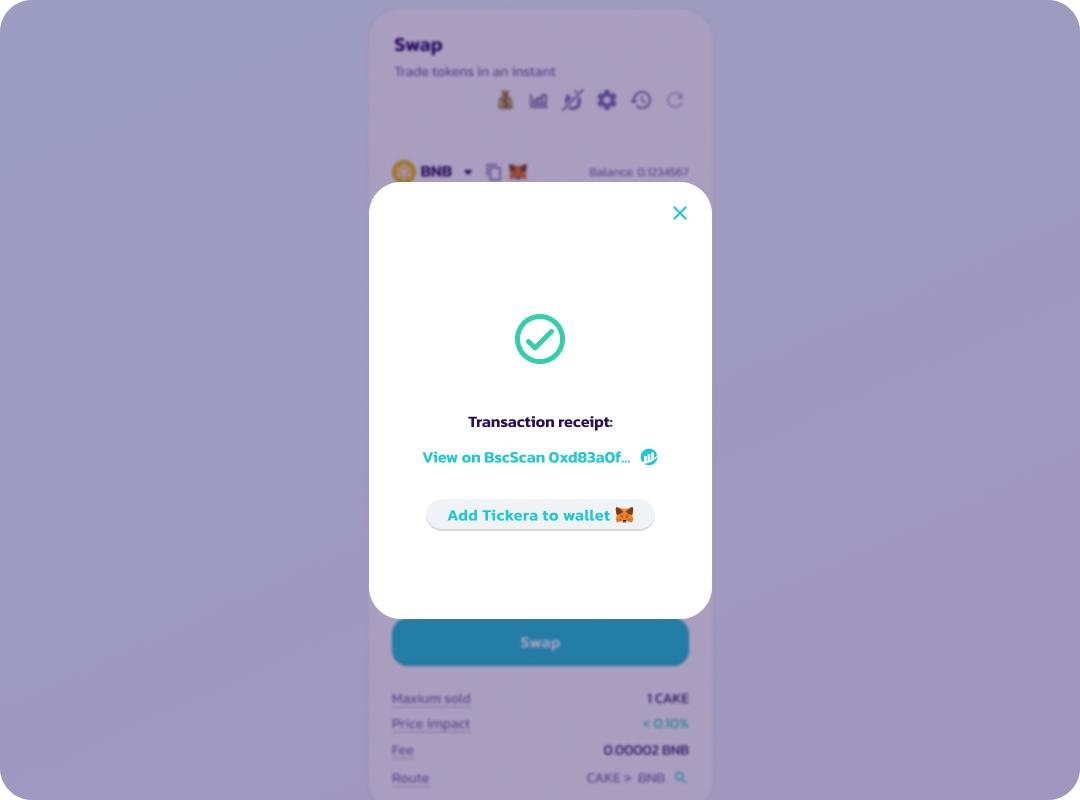
6. トランザクションが正常に完了すると、画面に「成功」と緑色のチェックマークが表示されます。

<figure><img src="/files/aKILCCQkeZvvvMMhzkLA" alt=""><figcaption></figcaption></figure>

トークンの承認は一定期間継続します。トークンは、後で署名リクエストを使用して再度承認される必要があります。 承認署名にはネットワーク料金はかかりません。


---

# Agent Instructions: Querying This Documentation

If you need additional information that is not directly available in this page, you can query the documentation dynamically by asking a question.

Perform an HTTP GET request on the current page URL with the `ask` query parameter:

```
GET https://docs.payswap.org/ri-ben-yu/readme/help/what-is-an-approval-transaction.md?ask=<question>
```

The question should be specific, self-contained, and written in natural language.
The response will contain a direct answer to the question and relevant excerpts and sources from the documentation.

Use this mechanism when the answer is not explicitly present in the current page, you need clarification or additional context, or you want to retrieve related documentation sections.