> For the complete documentation index, see [llms.txt](https://docs.payswap.org/llms.txt). Markdown versions of documentation pages are available by appending `.md` to page URLs; this page is available as [Markdown](https://docs.payswap.org/russkii/products/cancan/paywalls/buying-paywall-subscriptions.md).
# Покупка подписок Paywall
Подписка на платную стену включает в себя два этапа:
* Покупка подписки
* Активация подписки
Когда подписка не активирована, она не начинается, и подписка на 1 месяц может быть сохранена на несколько месяцев до активации. Это позволяет инвесторам инвестировать в платные стены, покупая (но не активируя) несколько подписок на эти платные стены и ожидая повышения цены подписки на эти платные стены, чтобы продать ранее купленные подписки на вторичном рынке пользователям, желающим получить более дешевую подписку на платную стену.
### Покупка подписки
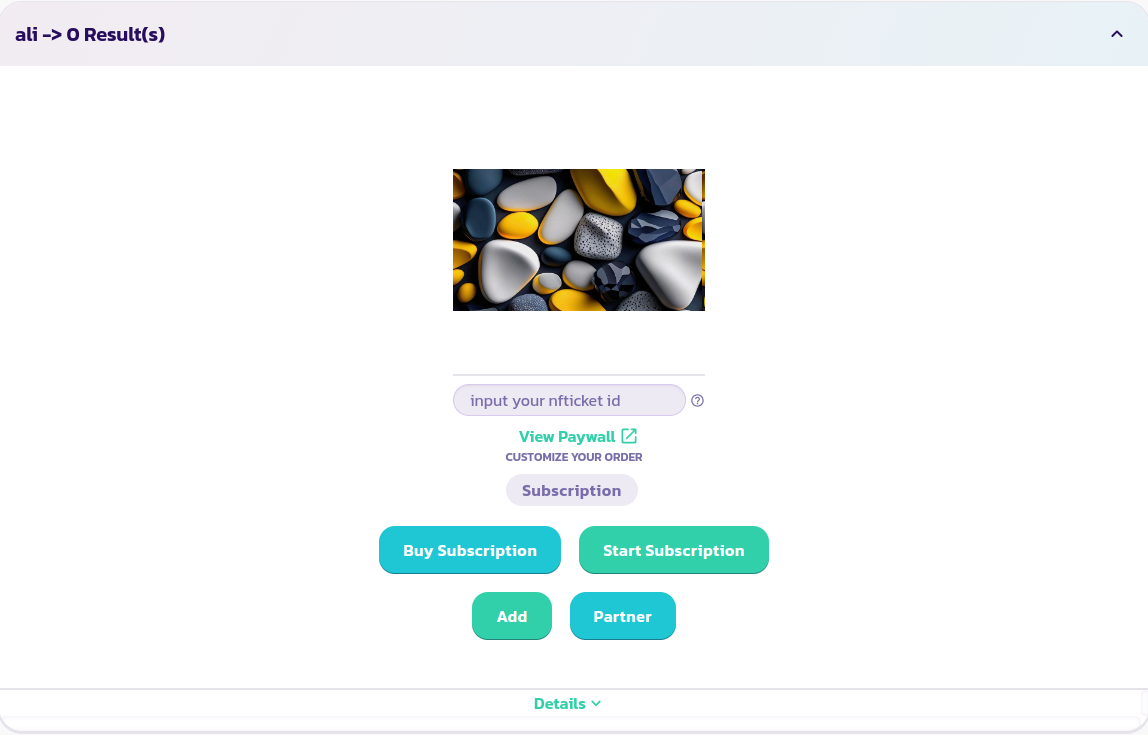
* Найдите и разверните платную стену, на которую вы хотите подписаться:
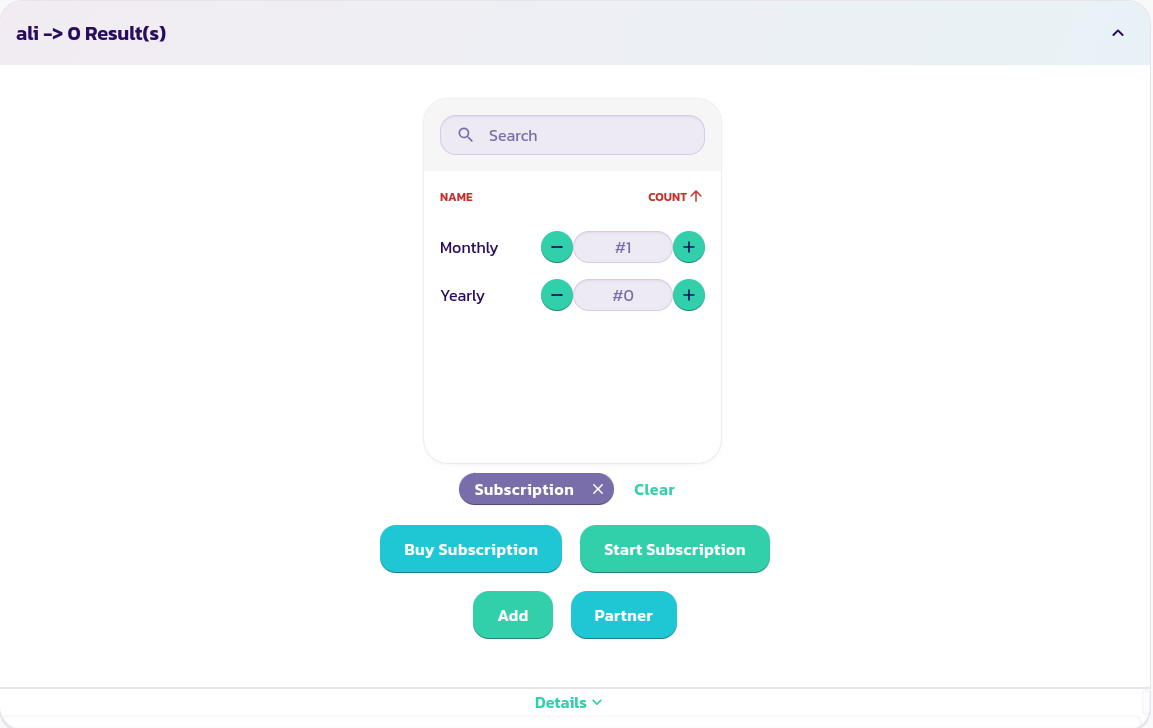
* Выберите опцию подписки, которую вы хотите приобрести (если у вашей платной стены есть варианты). На изображении ниже мы выбираем купить ежемесячную подписку:
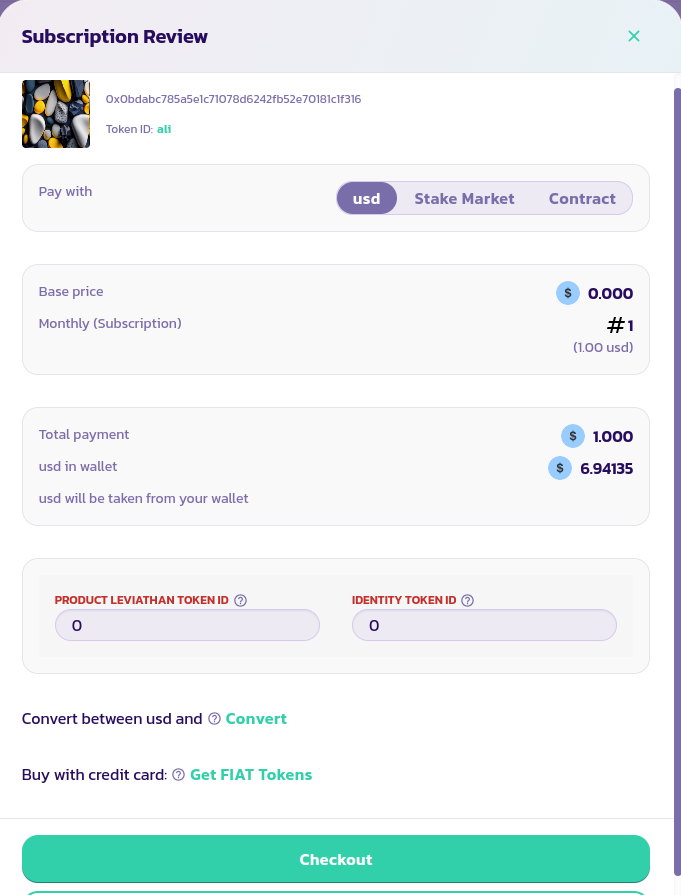
* Нажмите кнопку **Купить подписку**, заполните и проверьте форму. Вы можете приобрести подписки непосредственно с помощью вашего кошелька, через рынок ставок или через Valuepool/DAO. Руководства о том, как действовать в каждом случае, доступны в разделе продуктов/услуг.
{% content-ref url="/pages/lrv8VvhyHyaQVm3uokKx" %}
[Продукция и Услуги](/russkii/products/cancan/products-services.md)
{% endcontent-ref %}
Поздравляем! Вы успешно приобрели подписку.