> For the complete documentation index, see [llms.txt](https://docs.payswap.org/llms.txt). Markdown versions of documentation pages are available by appending `.md` to page URLs; this page is available as [Markdown](https://docs.payswap.org/turkish/products/cancan/paywalls/adding-items-to-paywalls.md).
# Ödeme Duvarlarına Öğe Ekleme
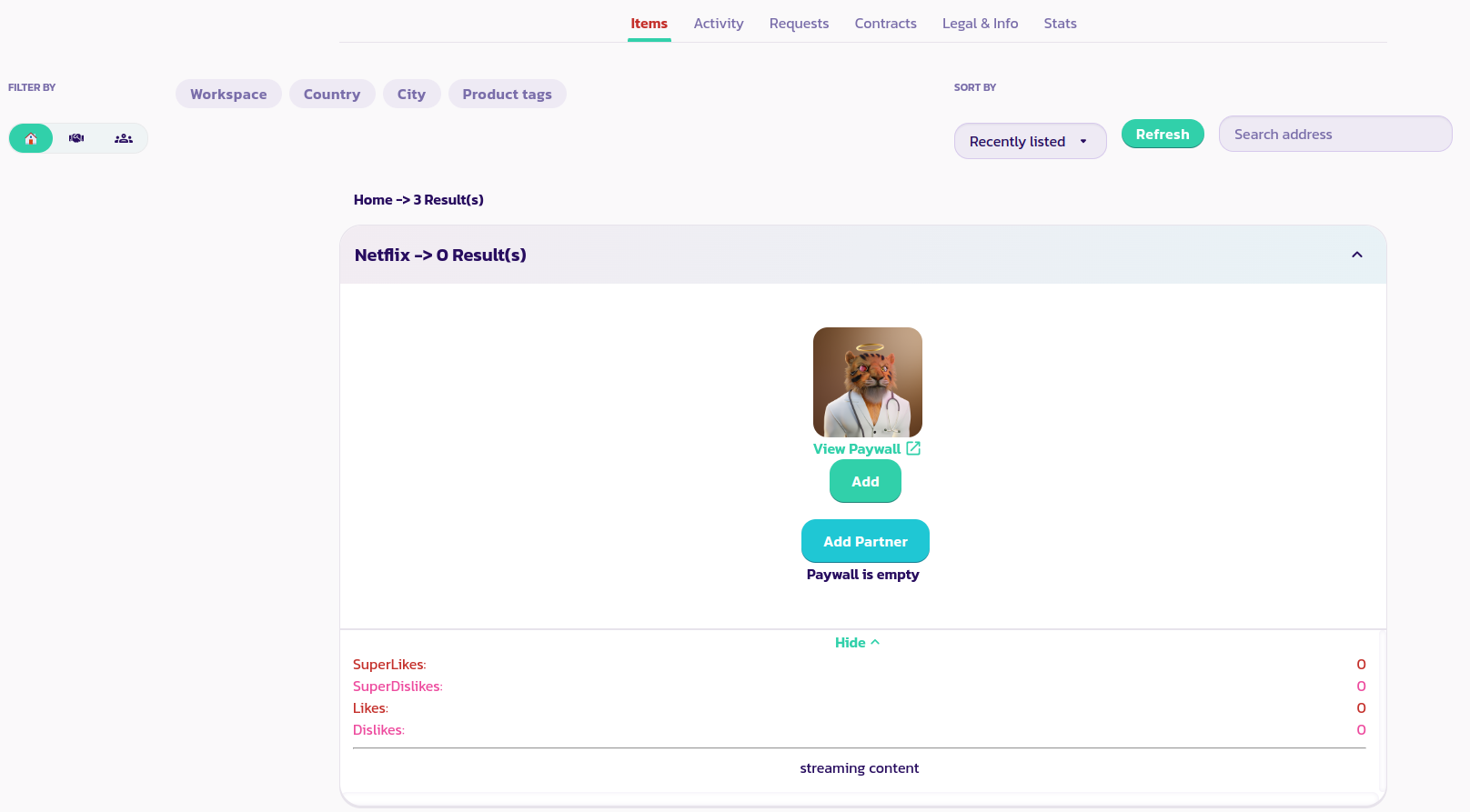
Yalnızca daha önce listelenmiş ürünleri ücretli duvarlara ekleyebilirsiniz. İşte bir ücretli duvara ürün eklemenin adım adım rehberi.
* Ücretli duvarı bulun ve genişletin, ardından **Ekle** düğmesine tıklayın
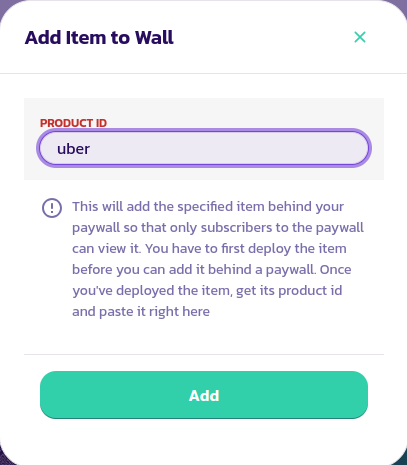
* Ürünü ücretli duvarınıza eklemek istediğiniz ürünün kimlik numarasını girin. Formu doğrulayın
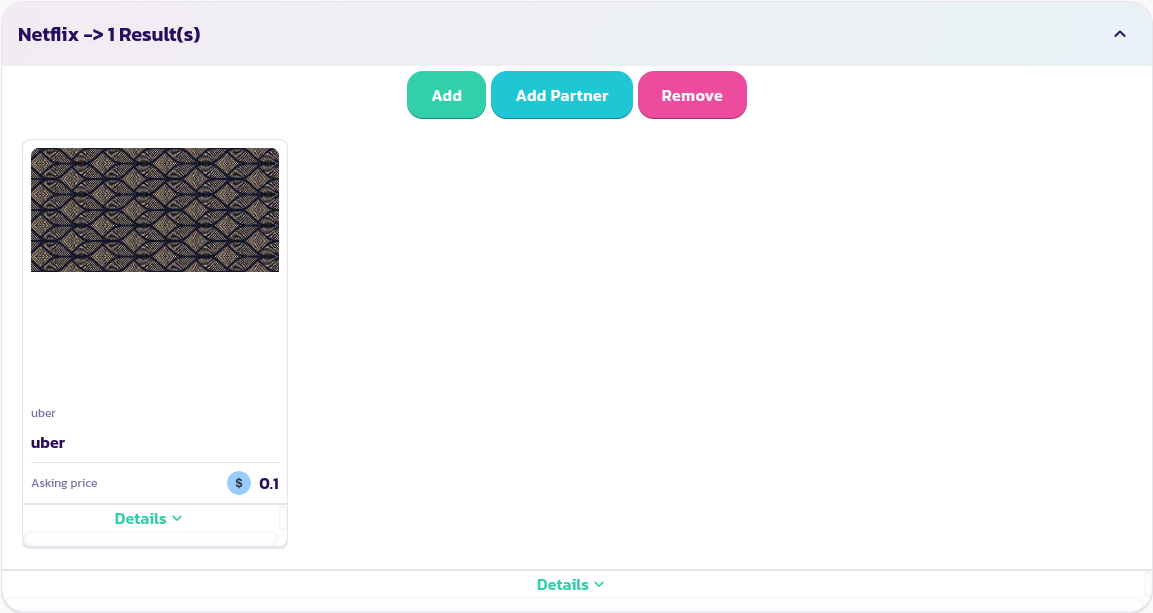
* Bu, ürünü ücretli duvarınıza ekleyerek, artık sadece siz ve diğer abonelerin ürüne erişim sağlayabileceği anlamına gelir; en azından ürünü duvardan kaldırana kadar
Tebrikler! İlk ürününüzü başarılı bir şekilde bir ücretli duvara eklediniz. İstediğiniz kadar ürün ekleyebilirsiniz.