# 列表文章

以下是在您的频道上架文章的逐步指南：

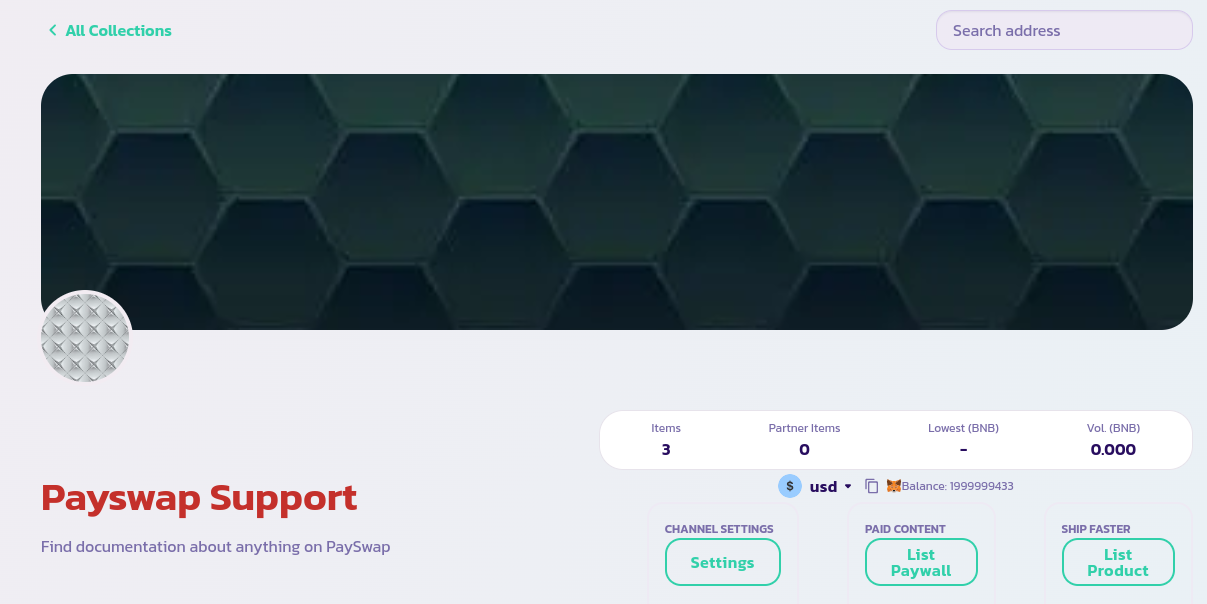
* 确保您位于频道的主页面并与频道的管理员钱包连接。如果是这样，您应该看到下面显示的页面

<figure><img src="/files/rpY3jrSz0dQ3jOSzvOHr" alt=""><figcaption></figcaption></figure>

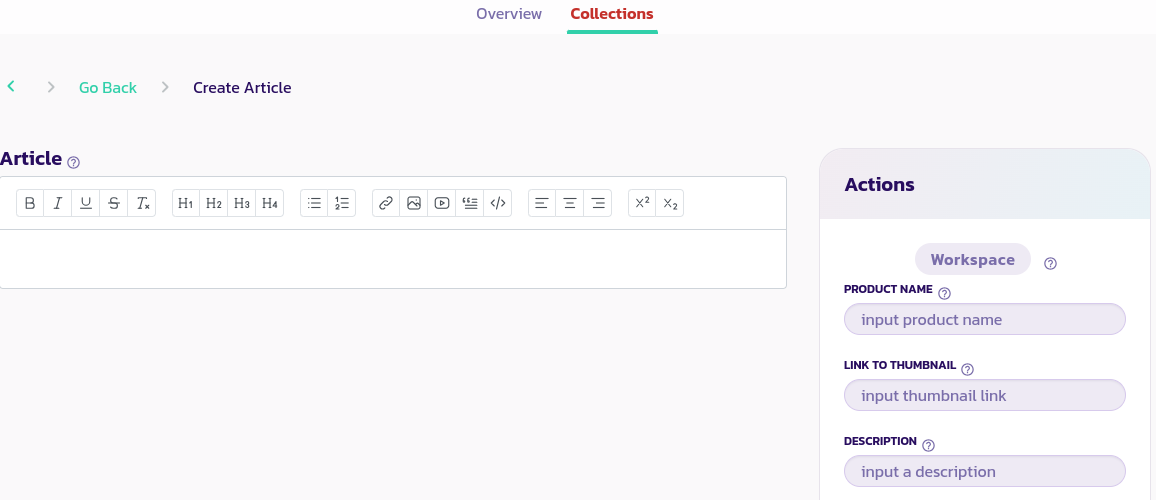
* 单击**列出产品**按钮以显示下面的表单，并单击**文章**选项卡以转到下面图片所示的页面

<figure><img src="/files/OEfBmGITPdZIA3lRYKjm" alt=""><figcaption></figcaption></figure>

* 在上述图片左侧的表单中编写您的文章
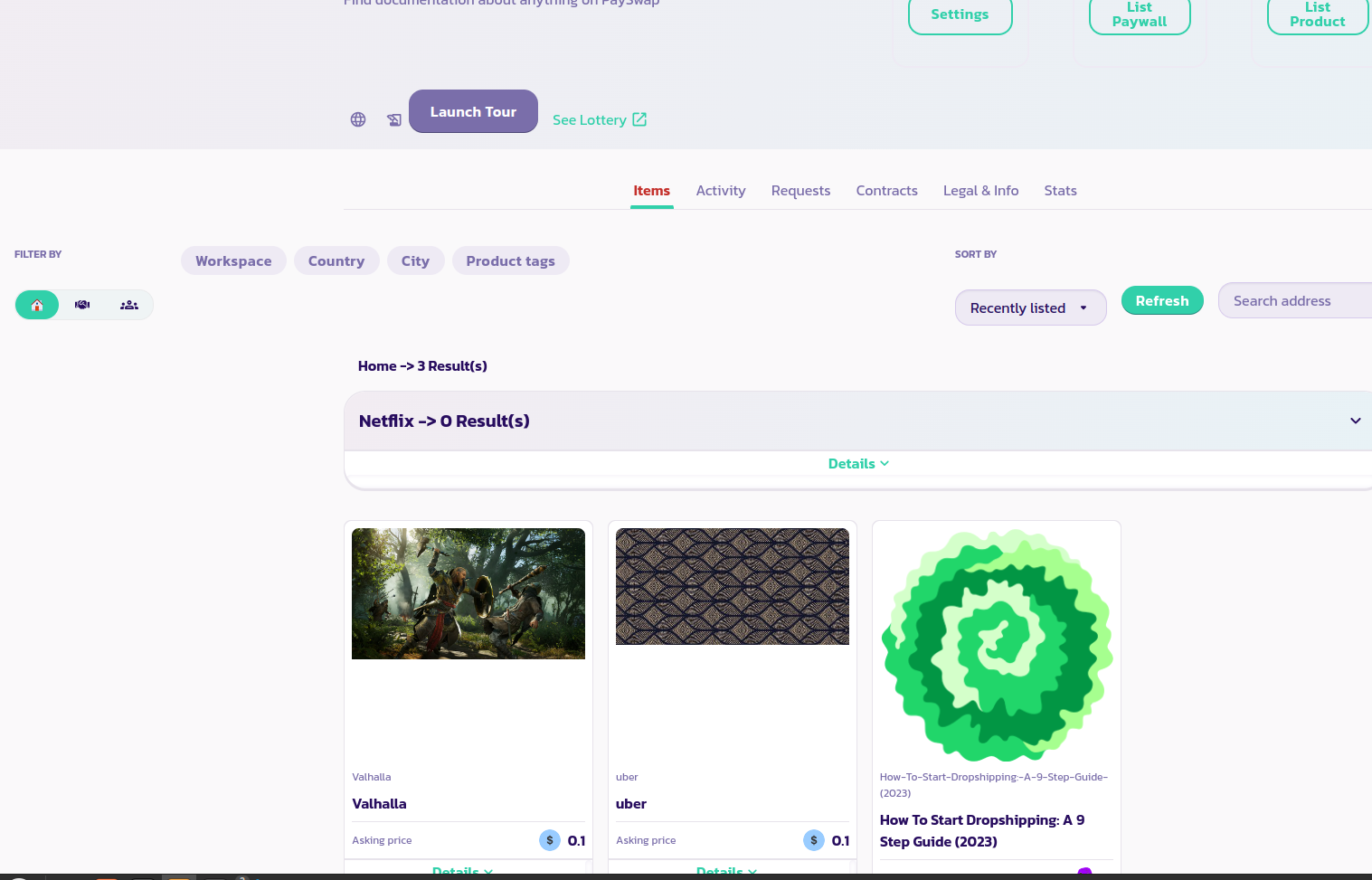
* 阅读每个参数的描述并提供适当的值。验证表单，并在几秒钟后，您应该能够在您的频道主页上看到您的文章与您以前的产品一起显示，就像下图所示。如果您的文章没有显示，请重新加载页面。在下面的图像中，我们可以看到列出了4个产品；一个名为 Netflix，Valhalla，uber 和《如何开始网上销售：一份9步指南（2023年）》。后者是一篇文章。

<figure><img src="/files/5rCRdzIHmvLM2xd4sgyt" alt=""><figcaption></figcaption></figure>

恭喜！您已成功将您的文章列出，如果您将其设置为可交易，用户将能够通过购买向您的频道打赏。


---

# Agent Instructions: Querying This Documentation

If you need additional information that is not directly available in this page, you can query the documentation dynamically by asking a question.

Perform an HTTP GET request on the current page URL with the `ask` query parameter:

```
GET https://docs.payswap.org/zhong-guo-ren/products/cancan/articles/listing-articles.md?ask=<question>
```

The question should be specific, self-contained, and written in natural language.
The response will contain a direct answer to the question and relevant excerpts and sources from the documentation.

Use this mechanism when the answer is not explicitly present in the current page, you need clarification or additional context, or you want to retrieve related documentation sections.