> For the complete documentation index, see [llms.txt](https://docs.payswap.org/llms.txt). Markdown versions of documentation pages are available by appending `.md` to page URLs; this page is available as [Markdown](https://docs.payswap.org/zhong-guo-ren/products/dramps/automatic-ramps/minting-tfiat-tokens.md).
# 铸造 tFIAT 代币
铸造 tFIAT 代币是将您的 FIAT 货币转移到您喜爱的区块链的一种方式。该过程包括您使用借记卡支付您希望转移的金额(加上 dRamp 的铸造费)到您的 dRamp 的支付处理器,并收到相同金额的等值 tFIAT 代币,该代币等同于您发送的 FIAT 货币。
以下是一步一步的指南。
* 在页面的页眉中单击 **Product tags** 选项卡,并选择您希望转账的货币,以仅列出处理您货币的 dRamps
 * 选择 **Automatic** 选项卡,以仅列出自动 dRamps
 * 在可用 dRamps 列表中找到您要用于操作的 dRamp,并单击其详细信息面板中的 **Control Panel** 按钮,以进入其控制面板

 * 在您的 dRamp 的控制面板中找到并单击 **Mint** 按钮
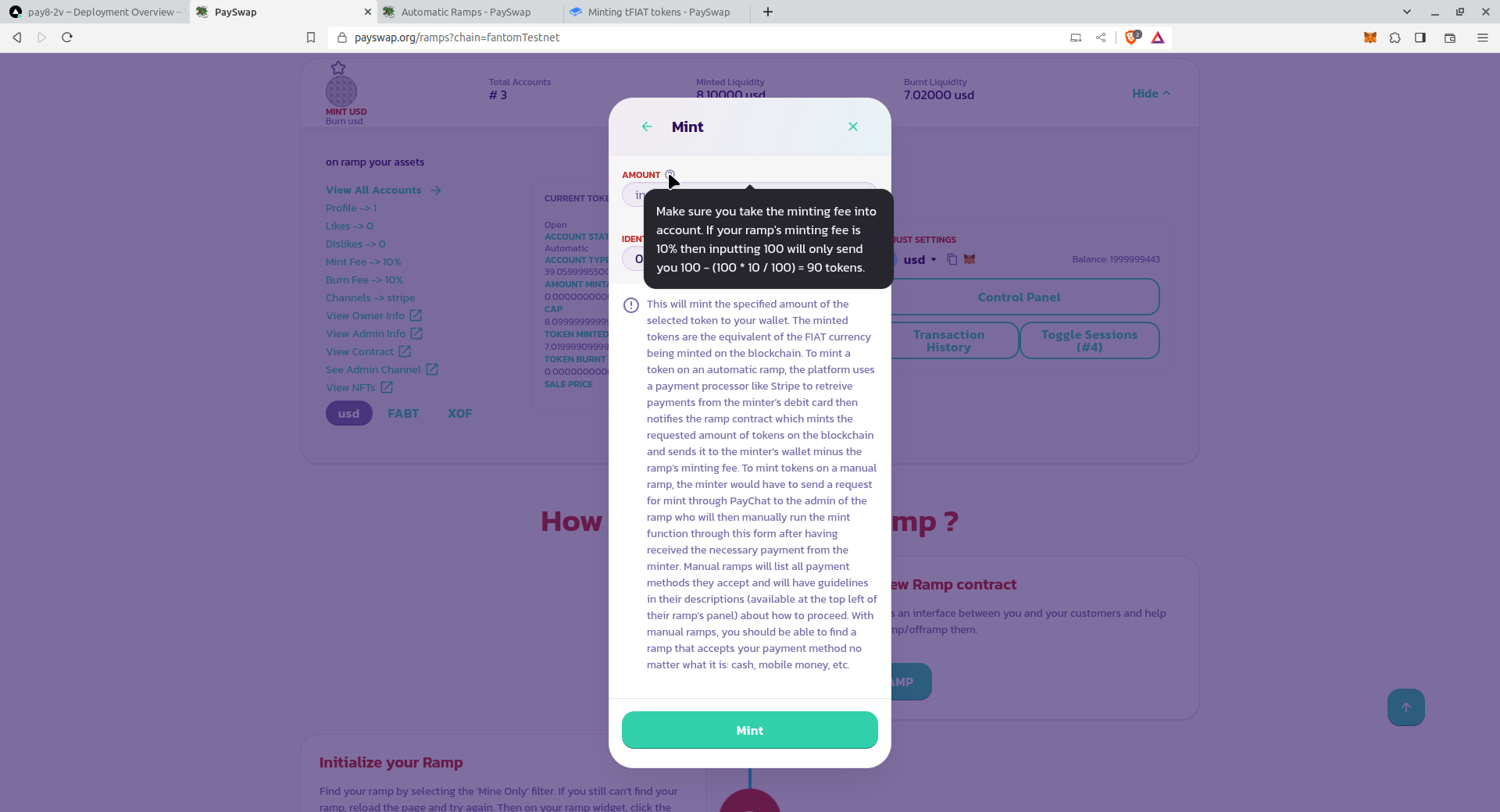
.png?alt=media) * 在显示的表单中,输入要铸造的金额并验证表单。确保阅读表单上的所有其他信息以及每个参数旁边的帮助图标的描述
* 在显示的表单中,输入要铸造的金额并验证表单。确保阅读表单上的所有其他信息以及每个参数旁边的帮助图标的描述
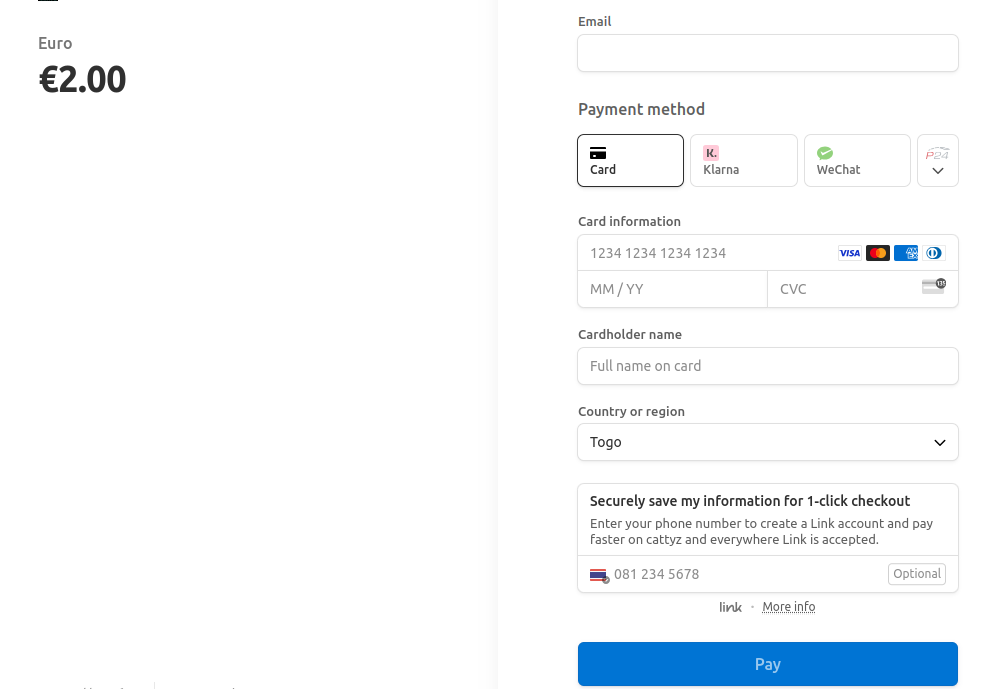
 这将带您到支付处理器的页面,以便您输入您的付款信息。
 完成付款后,您将被带回 PaySwap 的页面,显示最终的弹出窗口,以便您完成铸造过程。
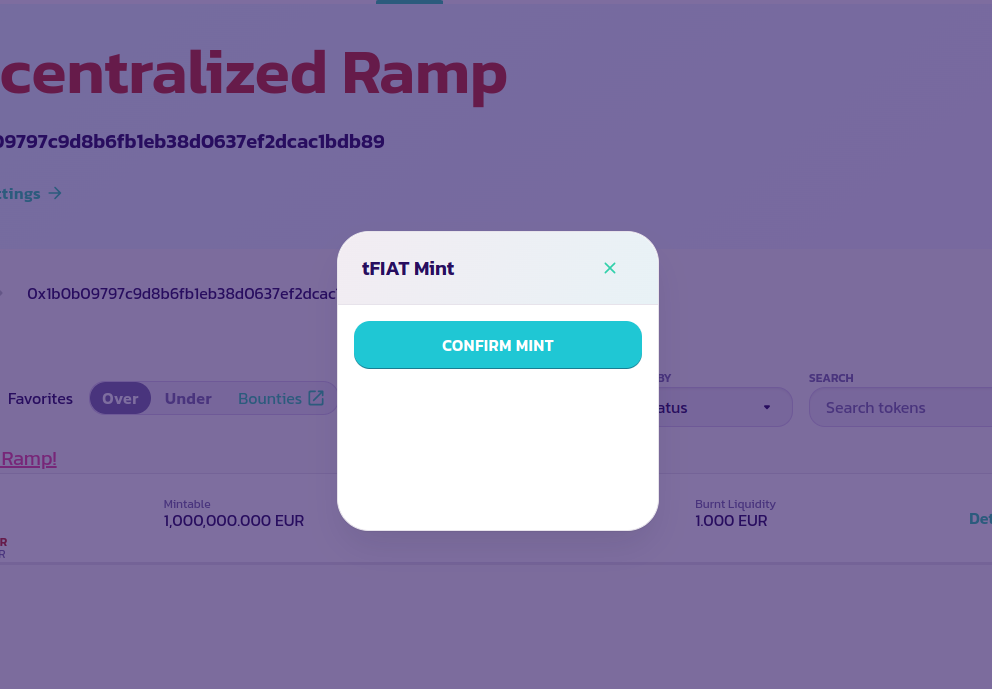 您可能需要等待几秒钟才能看到 **CONFIRM MINT** 按钮变为活动状态。如果您看不到 **CONFIRM MINT** 按钮或弹出窗口,请重新加载页面。
单击 **CONFIRM MINT** 按钮并验证交易。您应该看到您刚刚铸造的代币金额转移到您的钱包,并反映在您的钱包余额上,扣除了 dRamp 的铸造费以及 PaySwap 的铸造费。
## 铸造外部代币
铸造外部代币的方式与 tFIAT 完全相同,唯一的区别是支付是以美元而不是外部代币进行的。
例如,如果您想铸造 1 个 TSLA 代币,您必须支付相当于 1 个 TSLA 代币的美元金额。dRamp 将使用外部代币的创建者添加的 [API](/zhong-guo-ren/products/dramps/deploying-and-adding-an-extra-token.md) 来获取其价格,并向您收取铸币费用。
一旦您支付了铸造费用,您将被发送到下面的页面以完成交易
交易结束时,您的 TSLA 代币将被铸造并发送到您的钱包,扣除用于铸造它的 dRamp 的份额。
您可能需要等待几秒钟才能看到 **CONFIRM MINT** 按钮变为活动状态。如果您看不到 **CONFIRM MINT** 按钮或弹出窗口,请重新加载页面。
单击 **CONFIRM MINT** 按钮并验证交易。您应该看到您刚刚铸造的代币金额转移到您的钱包,并反映在您的钱包余额上,扣除了 dRamp 的铸造费以及 PaySwap 的铸造费。
## 铸造外部代币
铸造外部代币的方式与 tFIAT 完全相同,唯一的区别是支付是以美元而不是外部代币进行的。
例如,如果您想铸造 1 个 TSLA 代币,您必须支付相当于 1 个 TSLA 代币的美元金额。dRamp 将使用外部代币的创建者添加的 [API](/zhong-guo-ren/products/dramps/deploying-and-adding-an-extra-token.md) 来获取其价格,并向您收取铸币费用。
一旦您支付了铸造费用,您将被发送到下面的页面以完成交易
交易结束时,您的 TSLA 代币将被铸造并发送到您的钱包,扣除用于铸造它的 dRamp 的份额。