> For the complete documentation index, see [llms.txt](https://docs.payswap.org/llms.txt). Markdown versions of documentation pages are available by appending `.md` to page URLs; this page is available as [Markdown](https://docs.payswap.org/zhong-guo-ren/products/ecollectibles/listing-pre-minted-nfts.md).
# 列出预先铸造的 NFT
以下是将已经铸造的 NFT 上市出售的逐步指南:
* 确保您已创建一个频道。您可以在以下页面找到有关如何执行此操作的指南:
[创建频道](/zhong-guo-ren/products/cancan.md)
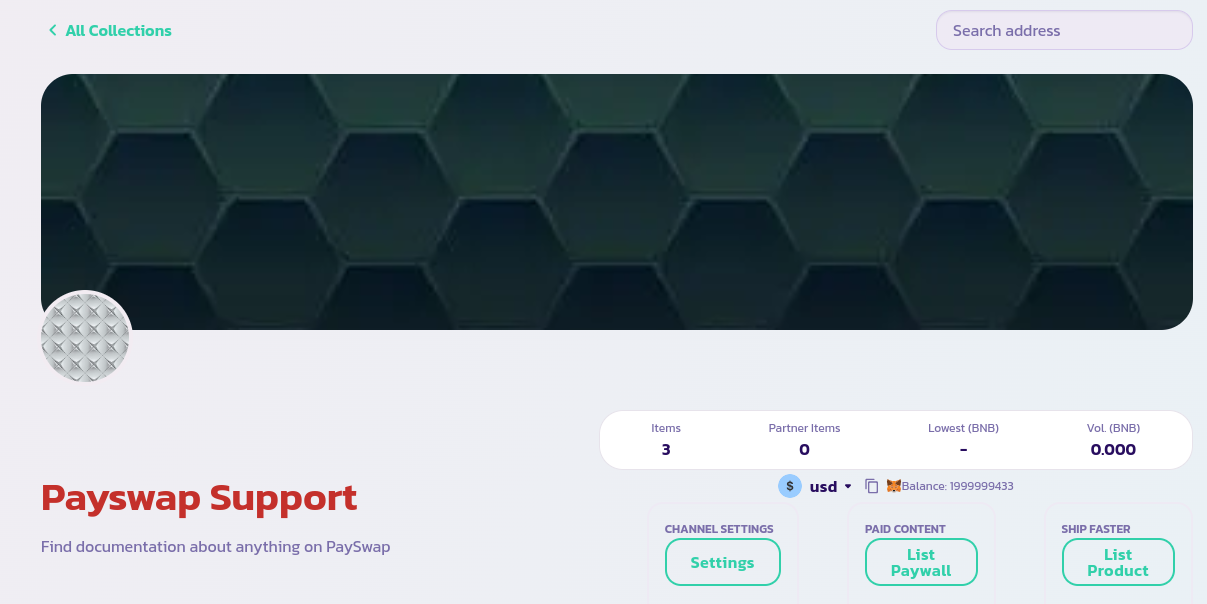
* 转到频道的主页面,然后点击 **List Product** 按钮
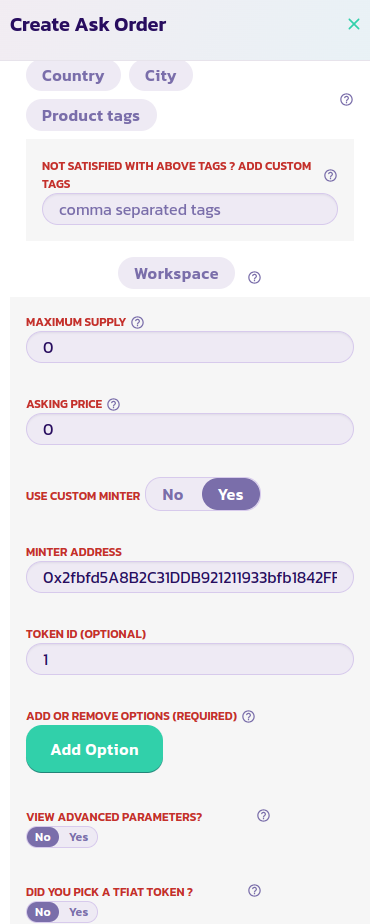
 * 阅读每个参数的描述并提供适当的值。验证表单,并在几秒钟后,您应该会看到您的 NFT 与您以前的 NFT 一起显示在页面上。如果您的 NFT 没有显示,请重新加载页面。将 **Use Custom Minter** 参数设置为 Yes,如下图所示,并在 **Minter Address** 字段中输入您的 NFT 合约的地址以及要上市的 NFT 的 ID。验证并确认交易。