> For the complete documentation index, see [llms.txt](https://docs.payswap.org/llms.txt). Markdown versions of documentation pages are available by appending `.md` to page URLs; this page is available as [Markdown](https://docs.payswap.org/zhong-guo-ren/products/ssi.md).
# SSI
自我主权身份
SSI 系统使您能够在区块链上以加密格式创建数据。
您需要可信的审计员来创建您的数据,确保您的审计员至少是棕色的。
您可以在以下页面了解更多关于审计员颜色的信息:
{% content-ref url="/pages/KXhMwxElCClr86PuE3il" %}
[审核员](/zhong-guo-ren/products/auditors.md)
{% endcontent-ref %}
一旦审计员为您创建了数据,您就可以开始与各种实体共享它。
您可以对为您创建的每个数据进行令牌化,并使用该令牌(我们称之为身份令牌)在各种产品中进行身份验证,如市场、彩票、赌博等。
您还可以从现有数据生成新数据,并对新数据进行令牌化。例如,如果审计员为您的年龄创建了数据,我们假设是 22 岁。您可以从该数据生成新数据,例如:年龄大于 18,并对新生成的数据进行令牌化。
因此,您的身份令牌不会透露您的实际年龄,而只会透露您年龄的某种特征,这可能对更多年龄验证有用。
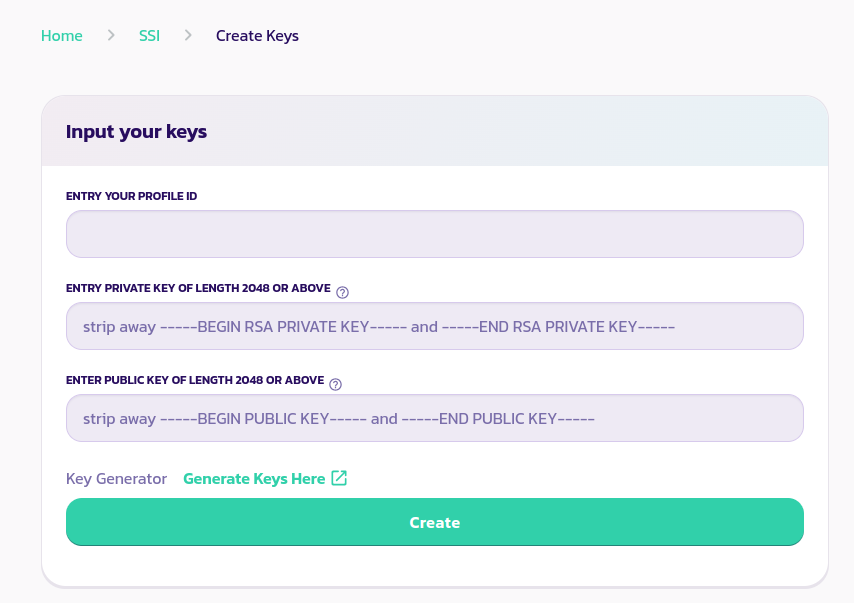
在您开始使用 SSI 系统之前,您需要通过生成一对公钥/私钥来创建您的 SSI 帐户:
* 转到[SSI 页面](https://payswap.org/ssi) 并连接您的钱包
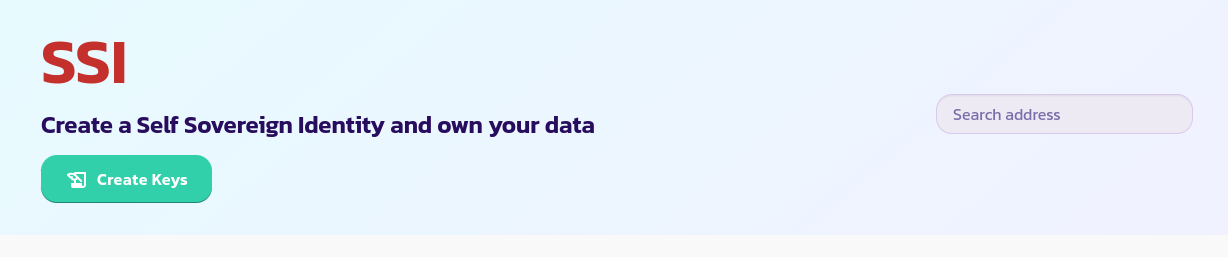 * 单击“创建密钥”按钮,按照页面上的说明设置您的 SSI 帐户
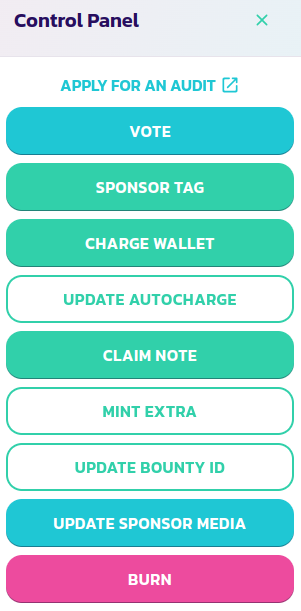
 * 下一步是前往审计员页面,查找可以创建您希望创建的数据类型的审计员,并申请一个帐户。要申请帐户,请转到审计员合约的控制面板菜单,第一个按钮应该是指向审计员申请页面的链接
 [在此处获取社区的进一步支持。](https://paychat.payswap.org/#/room/%23paycom%3Amatrix.org?via=matrix.org)