> For the complete documentation index, see [llms.txt](https://docs.payswap.org/llms.txt). Markdown versions of documentation pages are available by appending `.md` to page URLs; this page is available as [Markdown](https://docs.payswap.org/products/betting/bets-without-alpha-encoding.md).
# Bets without alphabet-encoding
.jpeg?alt=media)
These betting contracts only accept numerical answers from users. The underlying smart contract does not convert the answers given by the users and since the smart contract only understands numbers, the answers given by users on these contracts need to already be in their numerical format.
Let's suppose you want to have users bet on whether the price of the Apple stock will close at over or under 170 USD by the end of the day. Since the list of options is pretty limited, it is a good idea to process these bets with a non alphabet-encoding betting event.
Here is a step-by-step guide to creating such a betting event:
* Go to your betting contract. You can read the guide on how to deploy your betting contract on the page below:
{% content-ref url="/pages/HG4DmWanwLPqcTwyVpBn" %}
[Betting Contracts](/products/betting.md)
{% endcontent-ref %}
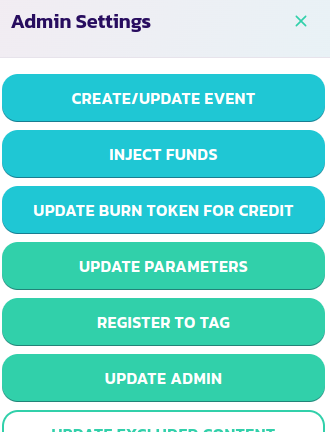
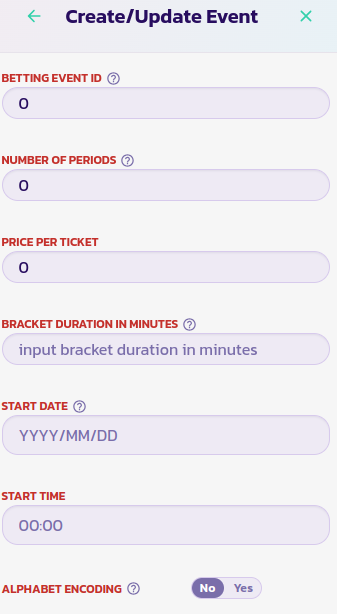
* In your contract's panel, click on the **Control Panel** button and then on the **Create/Update Event** button
* Fill in the form with the appropriate value and select the option No for the Alphabet Encoding parameter.
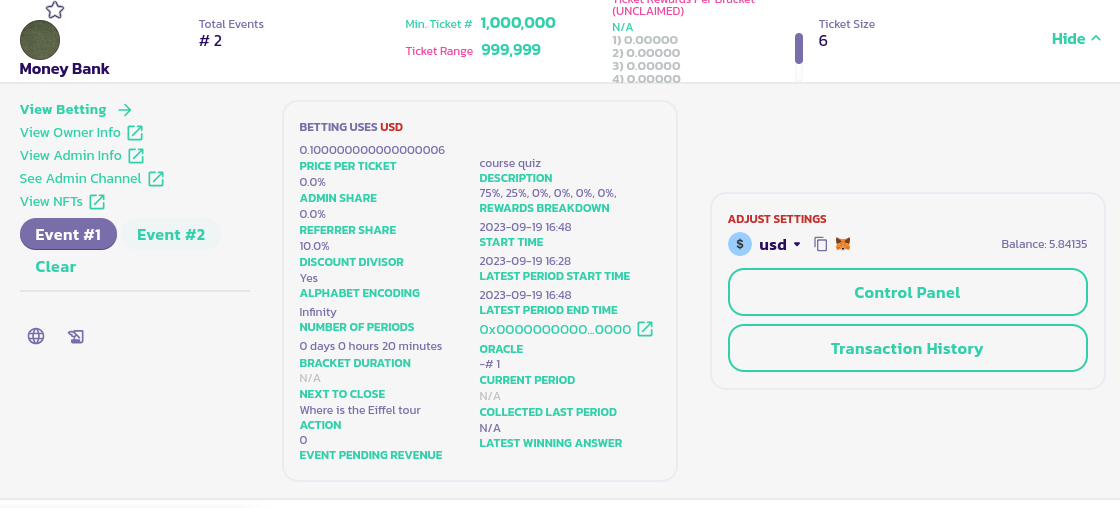
* Validate the form and confirm the transaction. You should see the event listed at the bottom left of your betting contract's panel