> For the complete documentation index, see [llms.txt](https://docs.payswap.org/llms.txt). Markdown versions of documentation pages are available by appending `.md` to page URLs; this page is available as [Markdown](https://docs.payswap.org/products/cancan/paywalls/buying-paywall-subscriptions.md).
# Buying Paywall Subscriptions
Subscribing to a paywall involves two steps:
* Buying a subscription
* Activating the subscription
When not activated, subscription is not started and a 1 month subscription can be kept for multiple months before being activated. This can enable investors to invest on paywalls by buying (but not activating) multiple subscriptions from those paywalls and waiting till the subscription price to those paywalls appreciates to sell the previously bought subscriptions on the secondary market to users willing to get a cheaper subscription to the paywall.
### Buying A Subscription
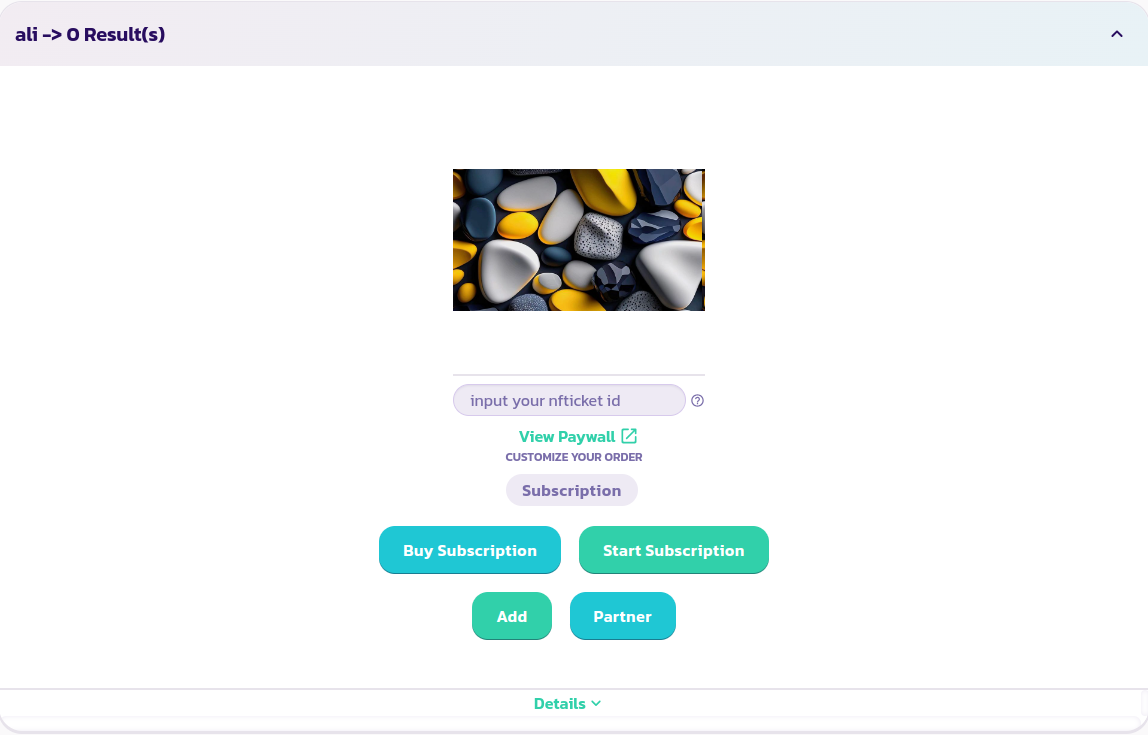
* Find and expand the paywall you are willing to subscribe to
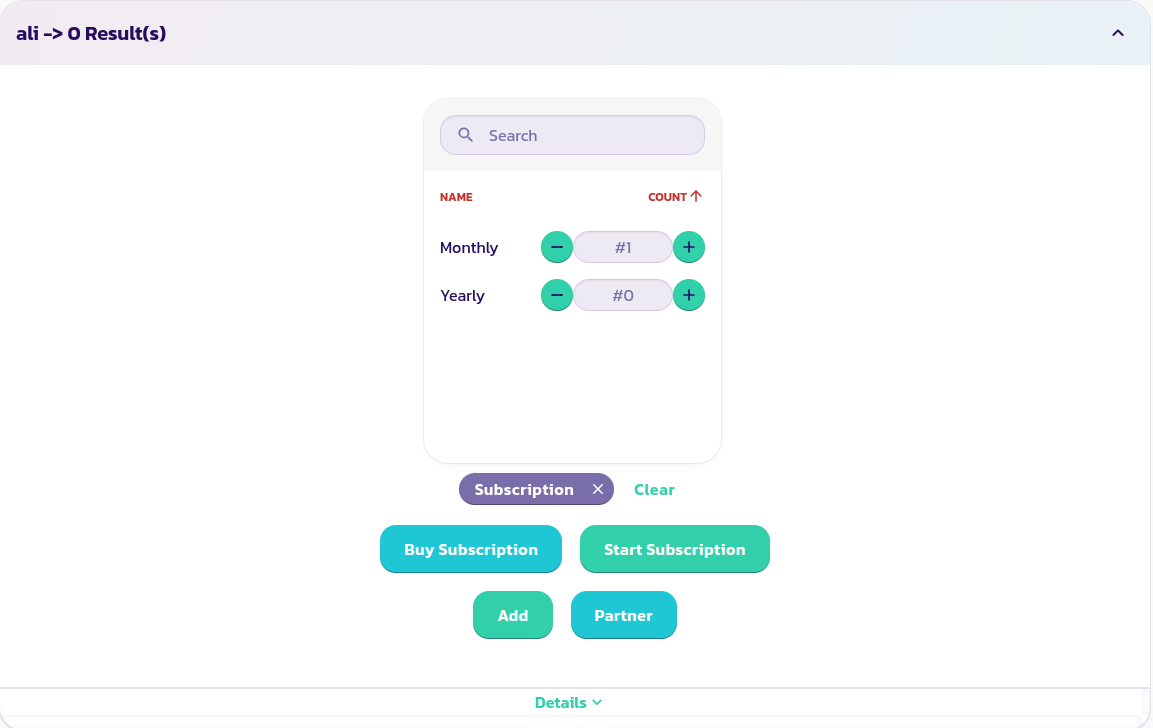
* Select the Subscription option you wish to purchase (if your paywall has options). In the image below, we are choosing to buy one monthly subscription
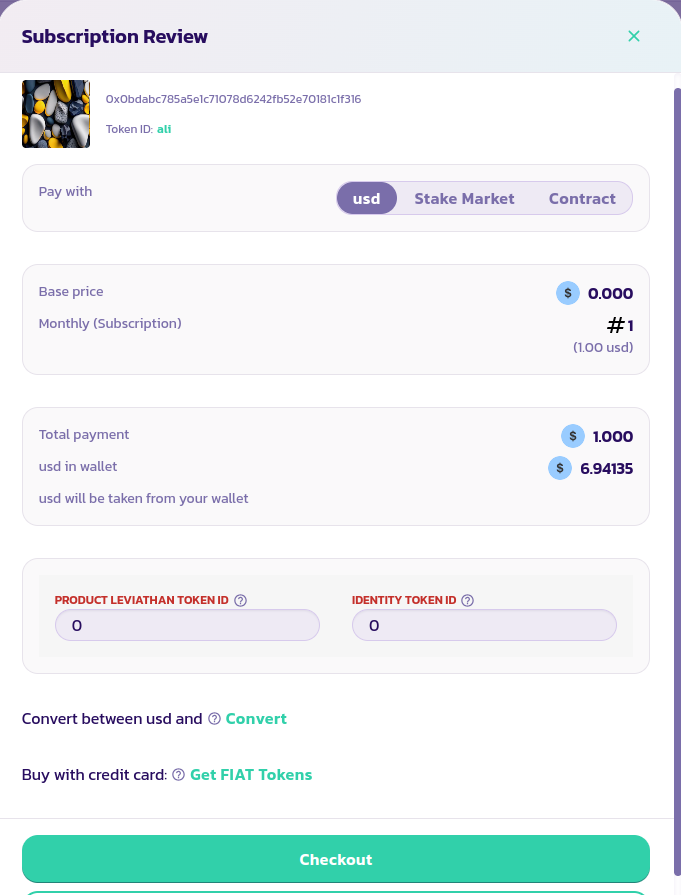
* Click on the **Buy Subscription** button, fill in and validate the form. You can purchase subscriptions directly with your wallet, through the stake market or through a Valuepool/DAO. The guides on how to proceed in each case are available in the products/services section.
{% content-ref url="/pages/UWmGdcofHFZSB6aknYoc" %}
[Products/Services](/products/cancan/products-services.md)
{% endcontent-ref %}
Congratulations! You have successfully purchased a subscription