> For the complete documentation index, see [llms.txt](https://docs.payswap.org/llms.txt). Markdown versions of documentation pages are available by appending `.md` to page URLs; this page is available as [Markdown](https://docs.payswap.org/products/paycards/marketplace-purchases.md).
# MarketPlace Purchases
PayCards enable you to make purchases on the CanCan marketplace without having/connecting a wallet.
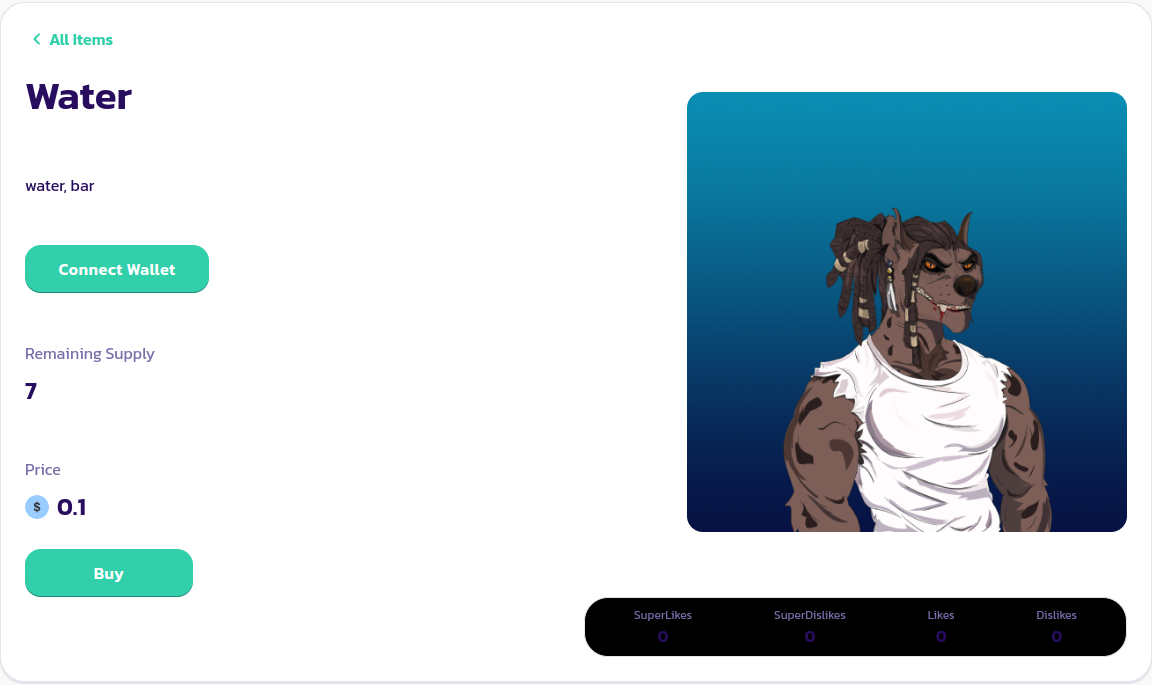
Just head over to the product page of the product you want to purchase and click on the **Buy** button
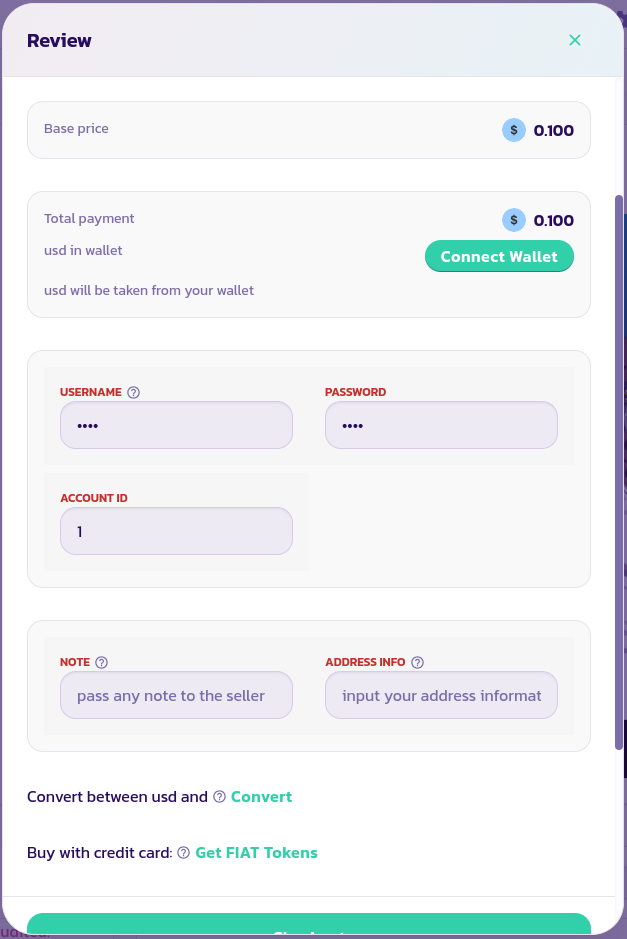
In the wizard that pops up, enter your PayCard's account ID, username, and password as well as any note or address information you might need to attach to your order so the merchant is able to carry it out effectively. Validate and confirm the transaction.
Congratulations! You've made your first purchase without a wallet on PaySwap.
[Get further support from the community here.](https://paychat.payswap.org/#/room/%23paycom%3Amatrix.org?via=matrix.org)