> For the complete documentation index, see [llms.txt](https://docs.payswap.org/llms.txt). Markdown versions of documentation pages are available by appending `.md` to page URLs; this page is available as [Markdown](https://docs.payswap.org/products/dramps/automatic-ramps/minting-tfiat-tokens.md).
# Minting tFIAT Tokens
Minting tFIAT tokens is a way of transferring your FIAT money onto your favorite chain. The process consists of you paying with your debit card the amount you wish to transfer (plus the Ramp's minting fee) to the payment processor of your Ramp and receiving in exchange the same amount in the equivalent tFIAT token to the FIAT currency you sent.
Here is a step-by-step guide.
* Click on the **Product tags** tab in the page's Header and select the currency you wish to transfer to only list ramps that process your currency
* Select the **Automatic** tab to only list automatic ramps
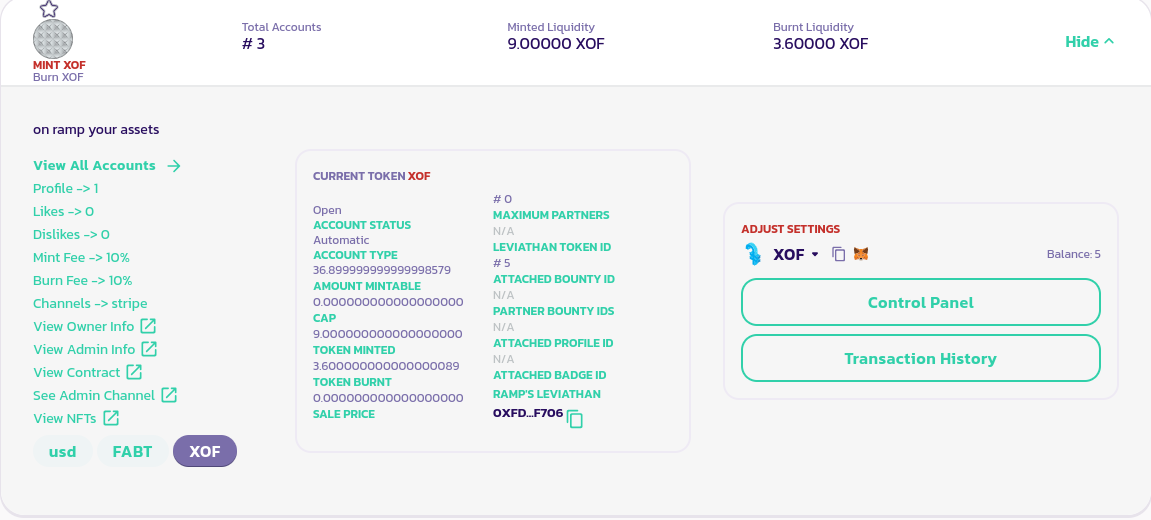
* Find the Ramp you want to use for the operation in the list of available ramps and go to its control panel by clicking on its **Control Panel** button available in its details panel
* Find and click on the **Mint** button present in your ramp's control panel
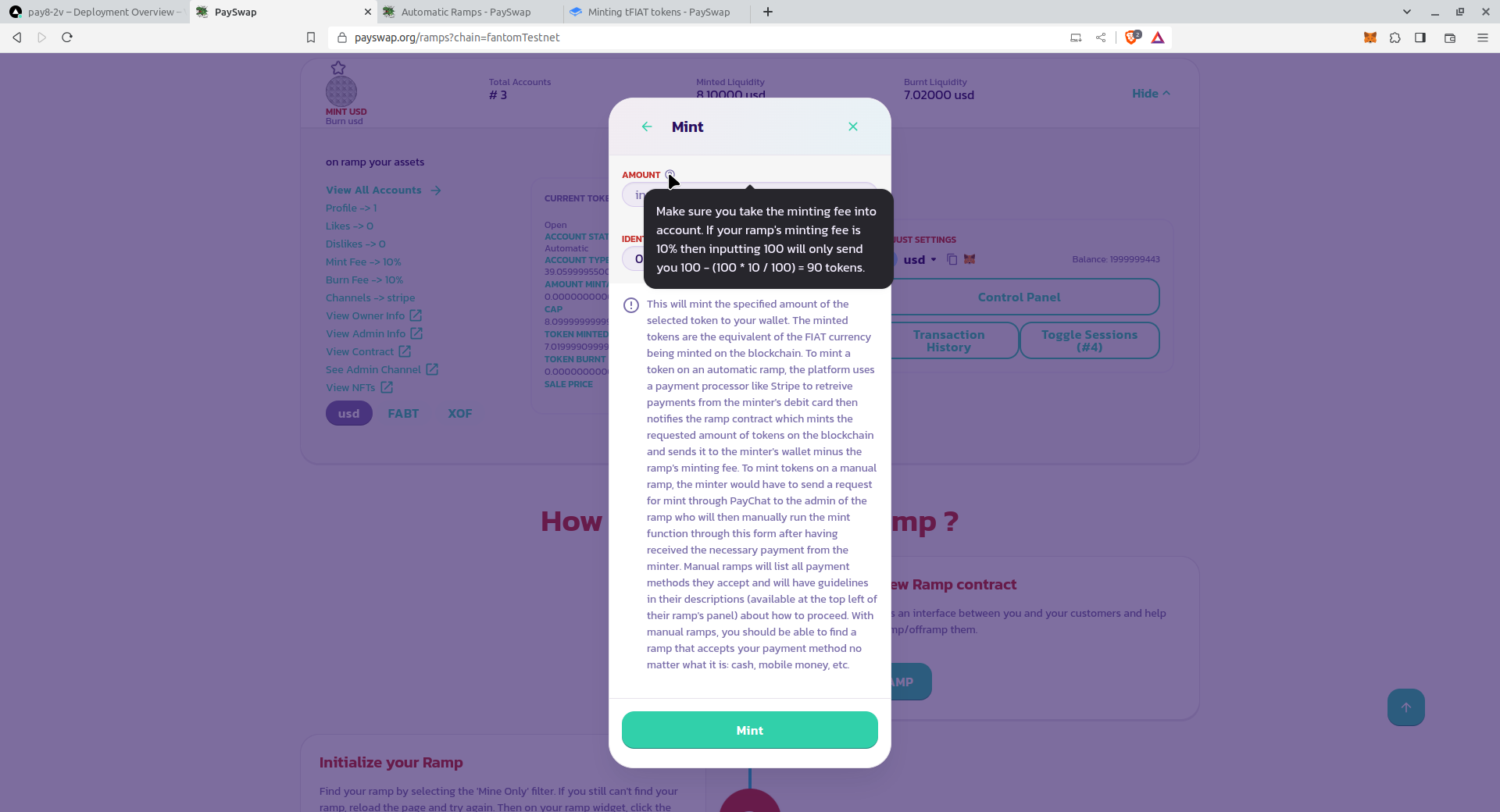
* Inside the form that shows, enter the amount to mint and validate the form. Make sure to read all other information available on the form as well as the description of each parameter available when you hover over the help icon next to each parameter
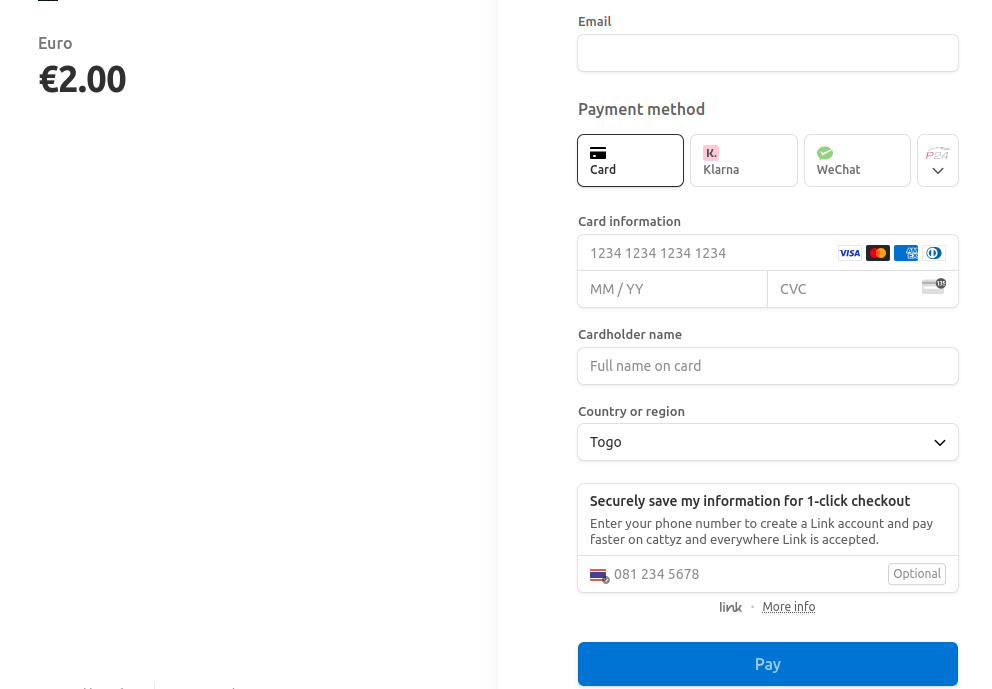
This will take you to the payment processor's page so you can enter your payment information.
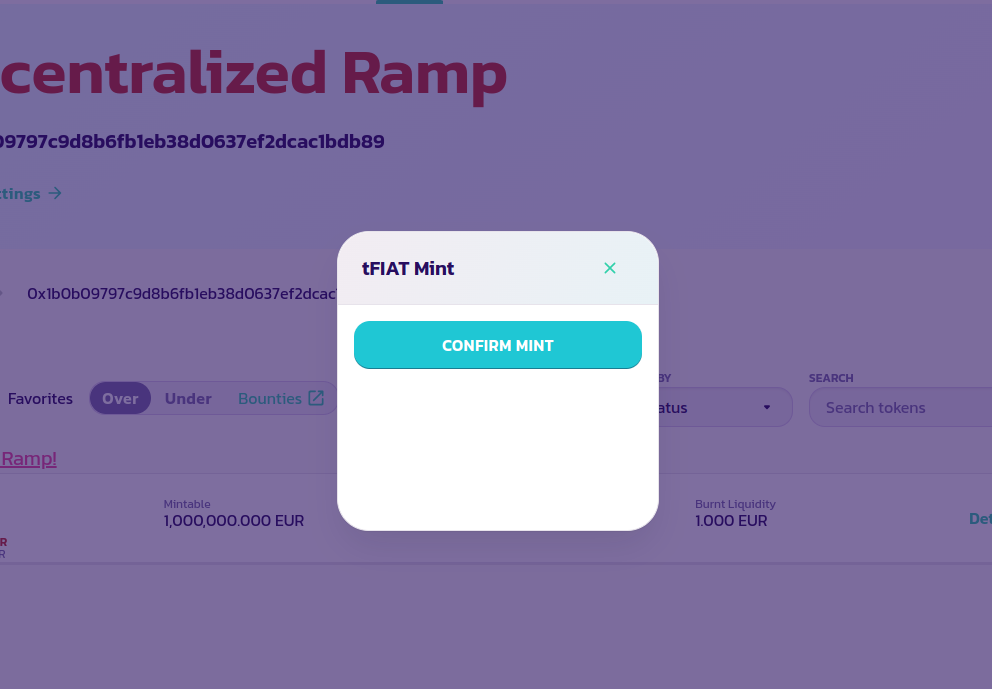
Once the payment is made, you will be taken back to PaySwap's page with a final pop-up window so you can complete the minting process.
You might have to wait a few seconds for the **CONFIRM MINT** button to become active. In case you are not seeing a **CONFIRM MINT** button or the pop-up at all, please reload the page.
Click on the **CONFIRM MINT** button and validate the transaction. You should see the amount of token you just minted transferred to your wallet and reflected on your wallet's balance minus the ramp's minting fee as well as PaySwap's minting fee.
## Minting External Tokens
Minting an external token is done exactly the same way as a tFIAT with the exception that the payment is made in USD and not in the external token.
If you wanted to mint 1 TSLA token, for instance, you would have to pay the equivalent of 1 TSLA token in USD. The ramp will use an [API added by the creator of the extra token](/products/dramps/deploying-and-adding-an-extra-token.md) to fetch its price and charge you for the mint.
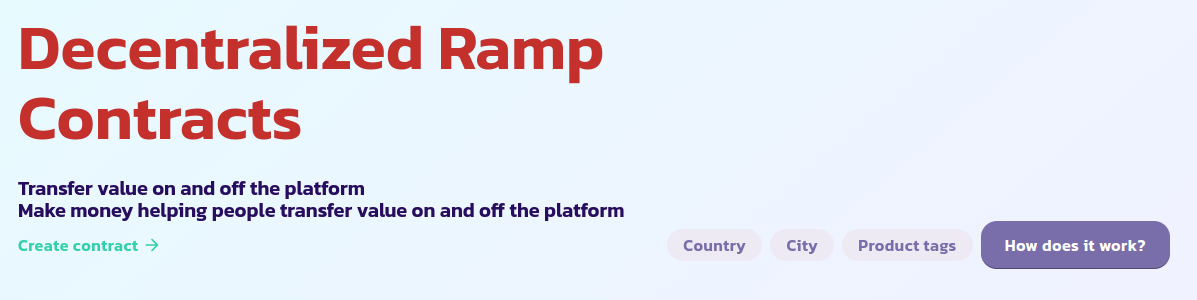
Once you have been charged for the mint, you will be sent to the page below to complete the transaction
At the end of the transaction, your TSLA token will be minted and sent to your wallet minus the share of the ramp used to mint it.


.png?alt=media)