> For the complete documentation index, see [llms.txt](https://docs.payswap.org/llms.txt). Markdown versions of documentation pages are available by appending `.md` to page URLs; this page is available as [Markdown](https://docs.payswap.org/products/profile/credit-reports.md).
# Credit Reports
You can report profile owners that fail to reimburse you or that owe you money to the profile contract. This will enable the community to be aware of the profile owner's creditworthiness.
You can view the history of a profile's credit reports by going to the profile's page:
* Find the profile you are looking for by searching its username in the search bar
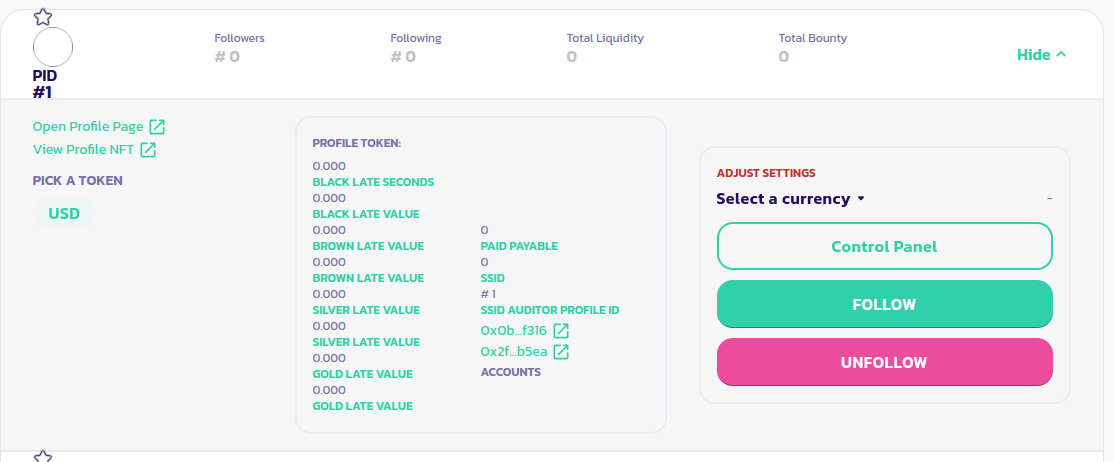
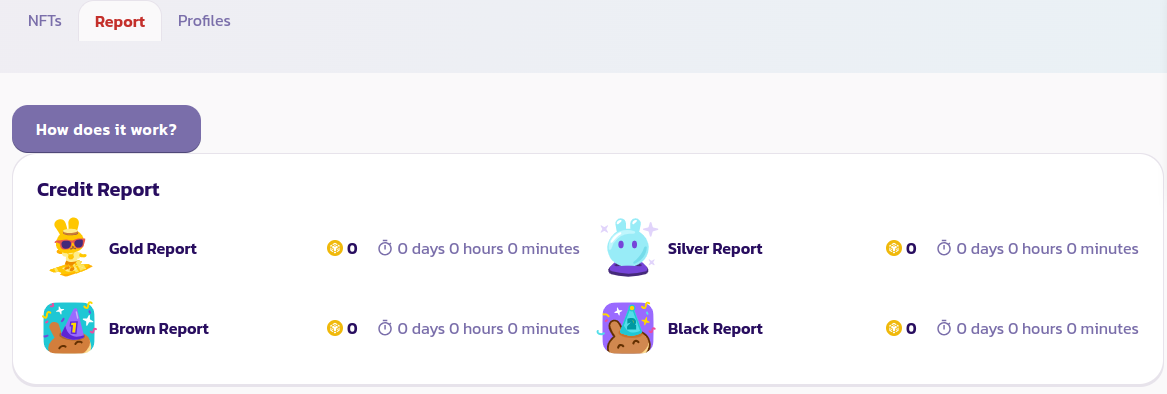
* Expand the profile's panel and click on the **Open Profile Page** to open up its profile page. Click on the **Report** tab to view all the history of money owed by the owner
You can view the number of tokens owed by the profile's to Gold, Silver, Brown, and Black ARPs as well as the time they've owed them for.
[Get further support from the community here.](https://paychat.payswap.org/#/room/%23paycom%3Amatrix.org?via=matrix.org)