> For the complete documentation index, see [llms.txt](https://docs.payswap.org/llms.txt). Markdown versions of documentation pages are available by appending `.md` to page URLs; this page is available as [Markdown](https://docs.payswap.org/products/cancan/paywalls/removing-items-from-paywalls.md).
# Removing Items From Paywalls
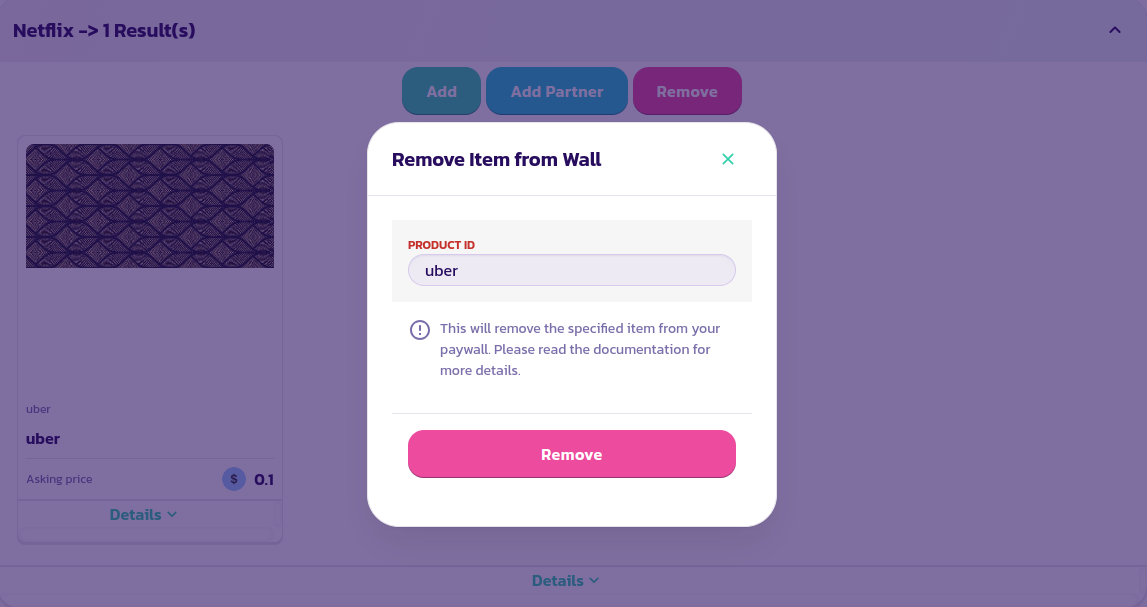
Here is a step by step guide to removing a previously added item to your paywall
* Find and expand the paywall and click on the **Remove** button
* In the form that pops up, enter the id of the item to remove and validate the form
Congratulations! You have successfully removed an item from your paywall
.png?alt=media)