> For the complete documentation index, see [llms.txt](https://docs.payswap.org/llms.txt). Markdown versions of documentation pages are available by appending `.md` to page URLs; this page is available as [Markdown](https://docs.payswap.org/products/ecollectibles/custom-minters.md).
# Custom Minters
Deploying a custom minter enables you to mint NFTs to your customers from your own NFT contract (the minter).
Here is a step-by-step guide to deploying a custom minter:
* Make sure you've created a channel. You can find a guide to doing that on the page below:
{% content-ref url="/pages/uxOBTIctKaDCiVtRG3sS" %}
[CanCan](/products/cancan.md)
{% endcontent-ref %}
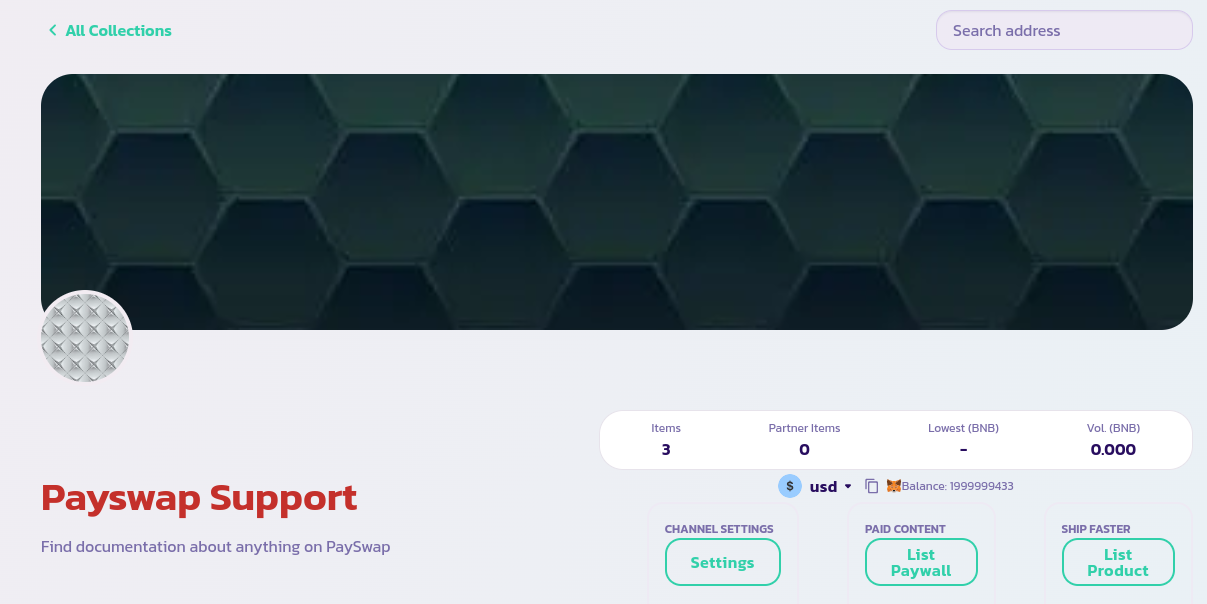
* Go to the channel's main page and click on the **List Product** button
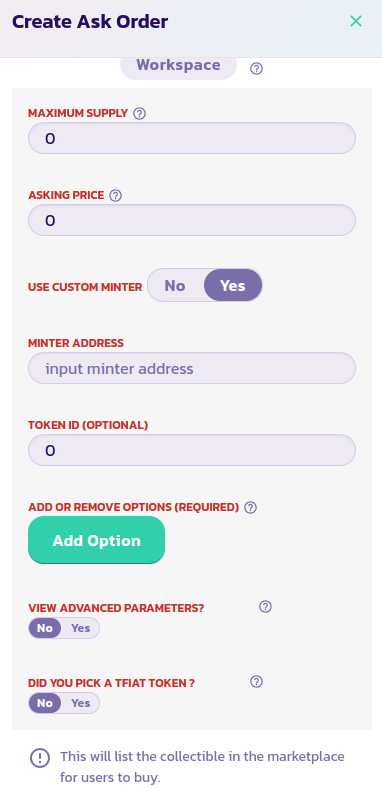
* Read each parameter's description and provide the appropriate value. Validate the form and after a few seconds, you should be seeing your NFT displayed with the rest of your previous NFTs. Reload the page in case your NFT does not show. Set the **Use** **Custom Minter** parameter to Yes like in the image below and input the address of your NFT's contract in the **Minter Address** field. Validate and confirm the transaction.