> For the complete documentation index, see [llms.txt](https://docs.payswap.org/llms.txt). Markdown versions of documentation pages are available by appending `.md` to page URLs; this page is available as [Markdown](https://docs.payswap.org/products/bills.md).
# Bills
Bills are contracts deployed on the blockchain that enable users to setup system banking apps, tax processing apps, etc.
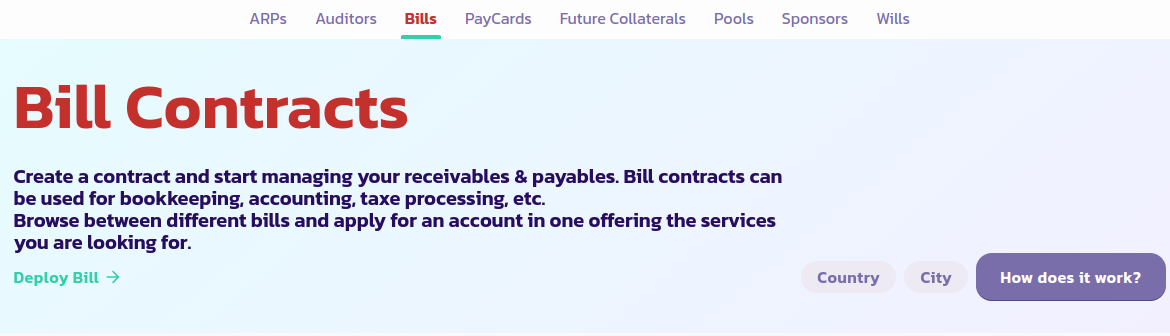
Here is a step by step guide to deploying a Bill contract:
* Go to the [Bill page](https://payswap.org/bills) and click on the **Deploy Bill** button
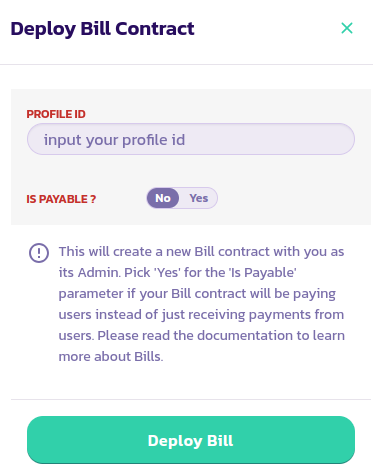
* Fill in the form that pops up and validate the transaction
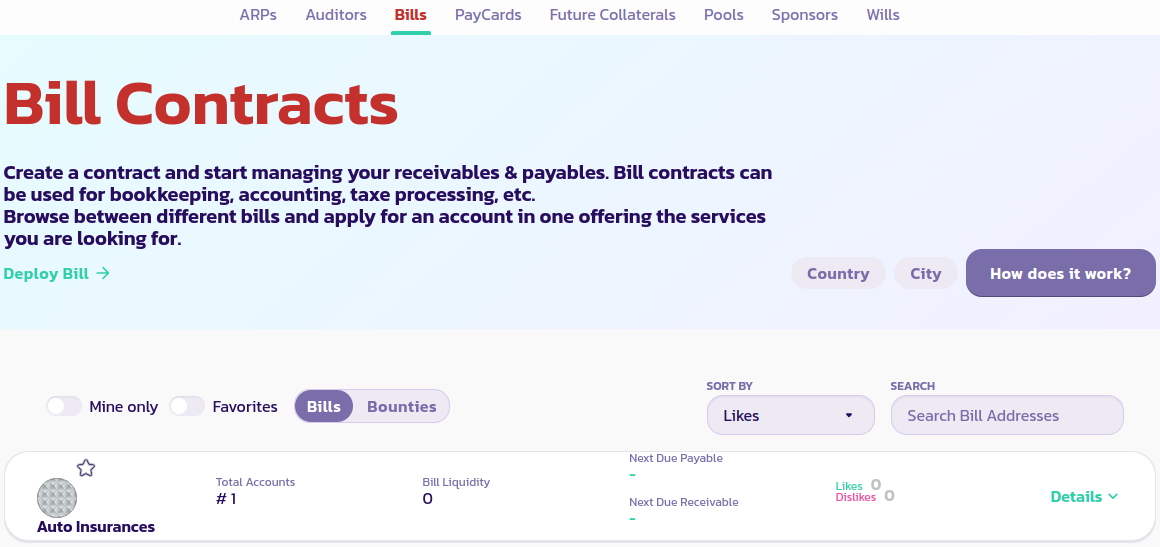
* Click on the **Mine Only** button to only display your Bill contracts. If you are still not able to see your Bill contract, reload the page and click on **Mine Only** again
[Get further support from the community here.](https://paychat.payswap.org/#/room/%23paycom%3Amatrix.org?via=matrix.org)
.jpeg?alt=media)