> For the complete documentation index, see [llms.txt](https://docs.payswap.org/llms.txt). Markdown versions of documentation pages are available by appending `.md` to page URLs; this page is available as [Markdown](https://docs.payswap.org/products/cancan/votes.md).
# Votes
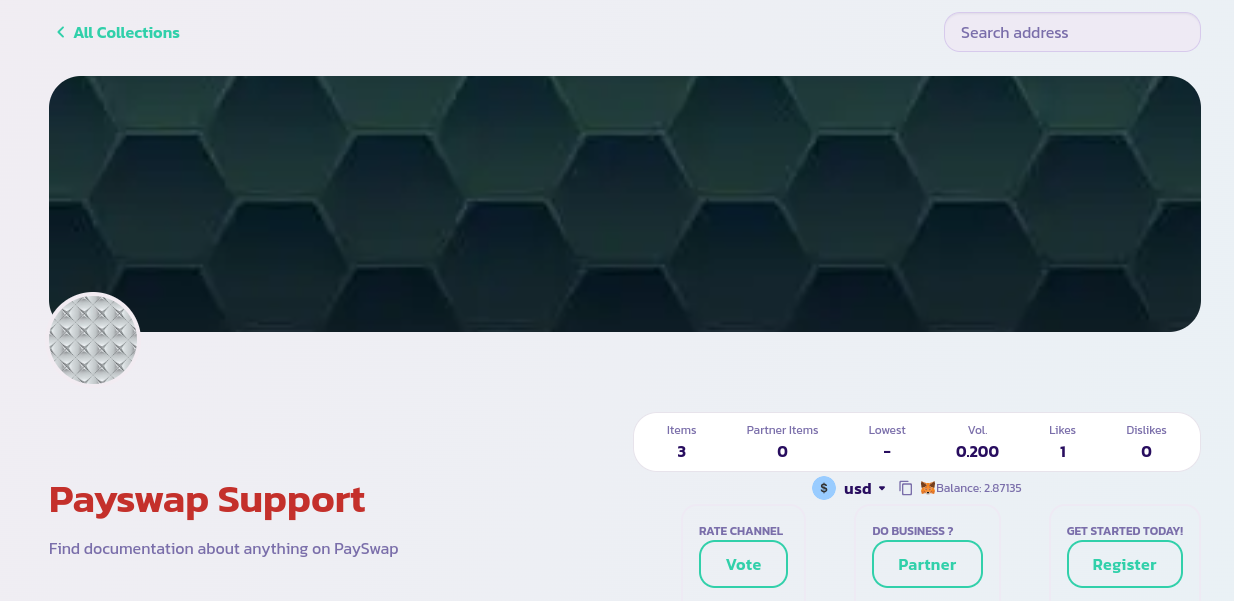
Votes are a way to show your appreciation or frustration with a channel. Only users that have a unique profile can vote for channel. Here is a step by step guide to voting for a channel:
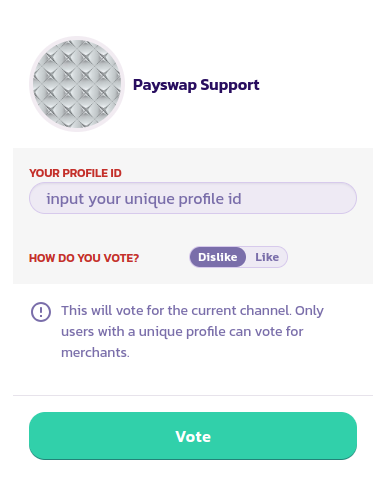
* Go to the main page of the channel you want to vote for/against and click on the **Vote** button
* Fill in and validate the form to complete your vote.
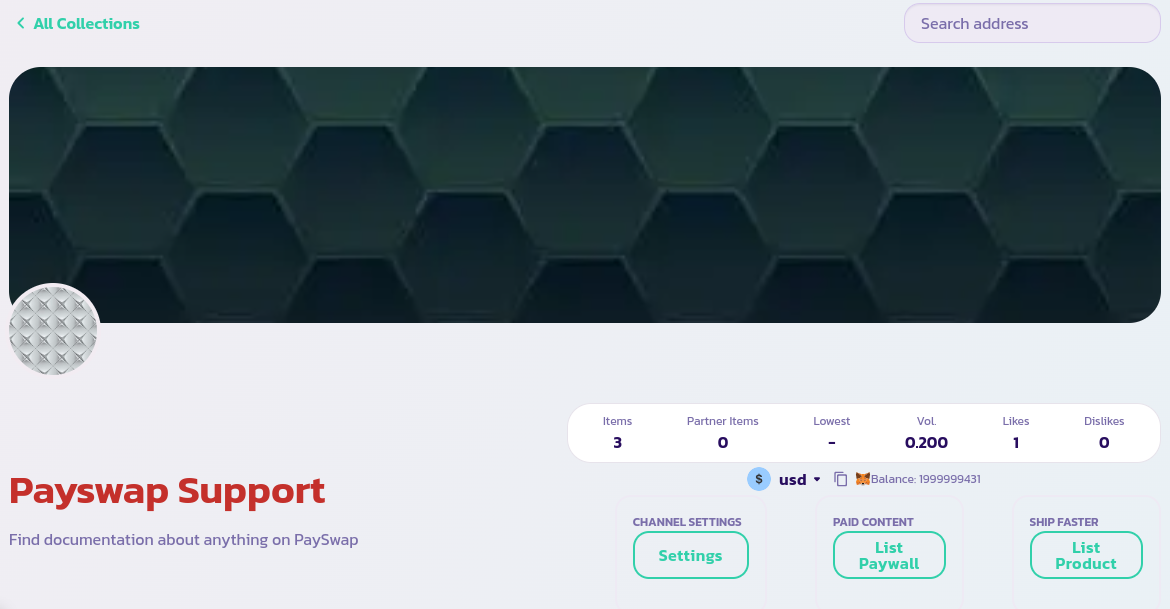
* You should see the likes/dislikes count of the channel update
Congratulations! You have successfully voted for the channel. This will help other users have an idea of just how trustworthy and competent the channel is.
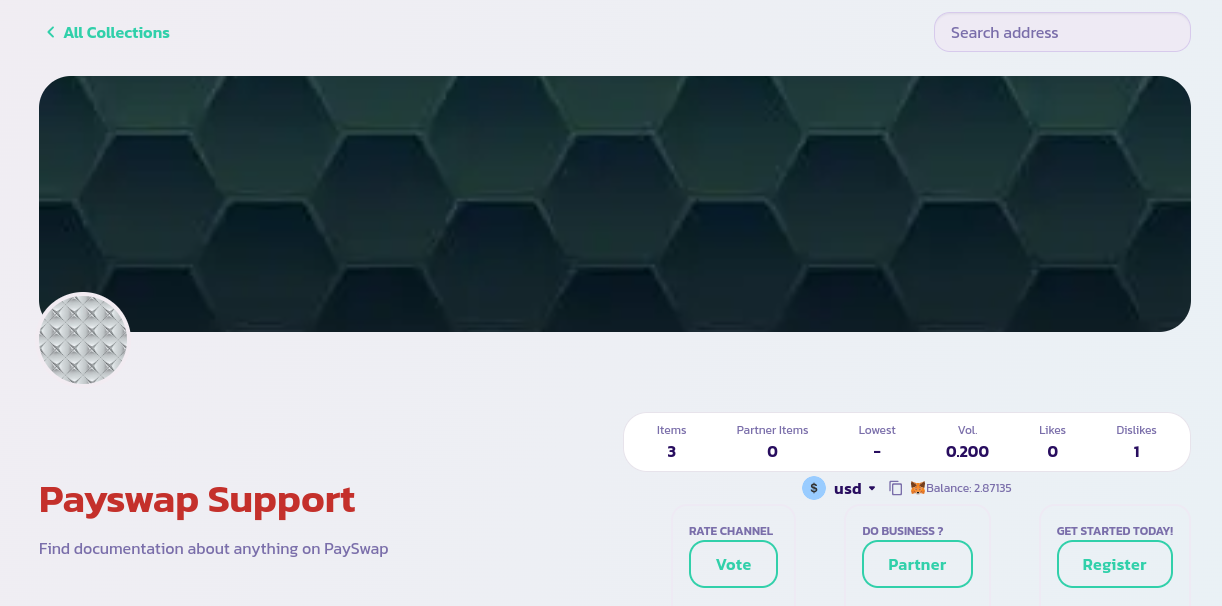
Beware of channels that have more Dislikes than Likes, like in the image below