> For the complete documentation index, see [llms.txt](https://docs.payswap.org/llms.txt). Markdown versions of documentation pages are available by appending `.md` to page URLs; this page is available as [Markdown](https://docs.payswap.org/products/profile/building-your-social-graph.md).
# Building Your Social Graph
You can build your social graph on your favorite blockchain by getting other users to follow you. This will enable you to build an email list and really own your social graph unlike the type of social graph you can build on any social media platform that can get taken away from you at anytime.
There is no reason you should have to rebuild your social graph from scratch anytime you join a new social media, social media platforms should be able to start you off with your social graph from the blockchain the second you join after you've authorized them to do so of course.
With our profile's social graph, you can do just that. Social platforms can use our API to enable their users to download the emails of all their followers and build their social graph during their onboarding process. Any new follower you gain from the social platforms will instantly be added to your social graph on the blockchain thus providing you with the same social graph across of social platforms on the internet.
## How To Follow/Unfollow A Profile
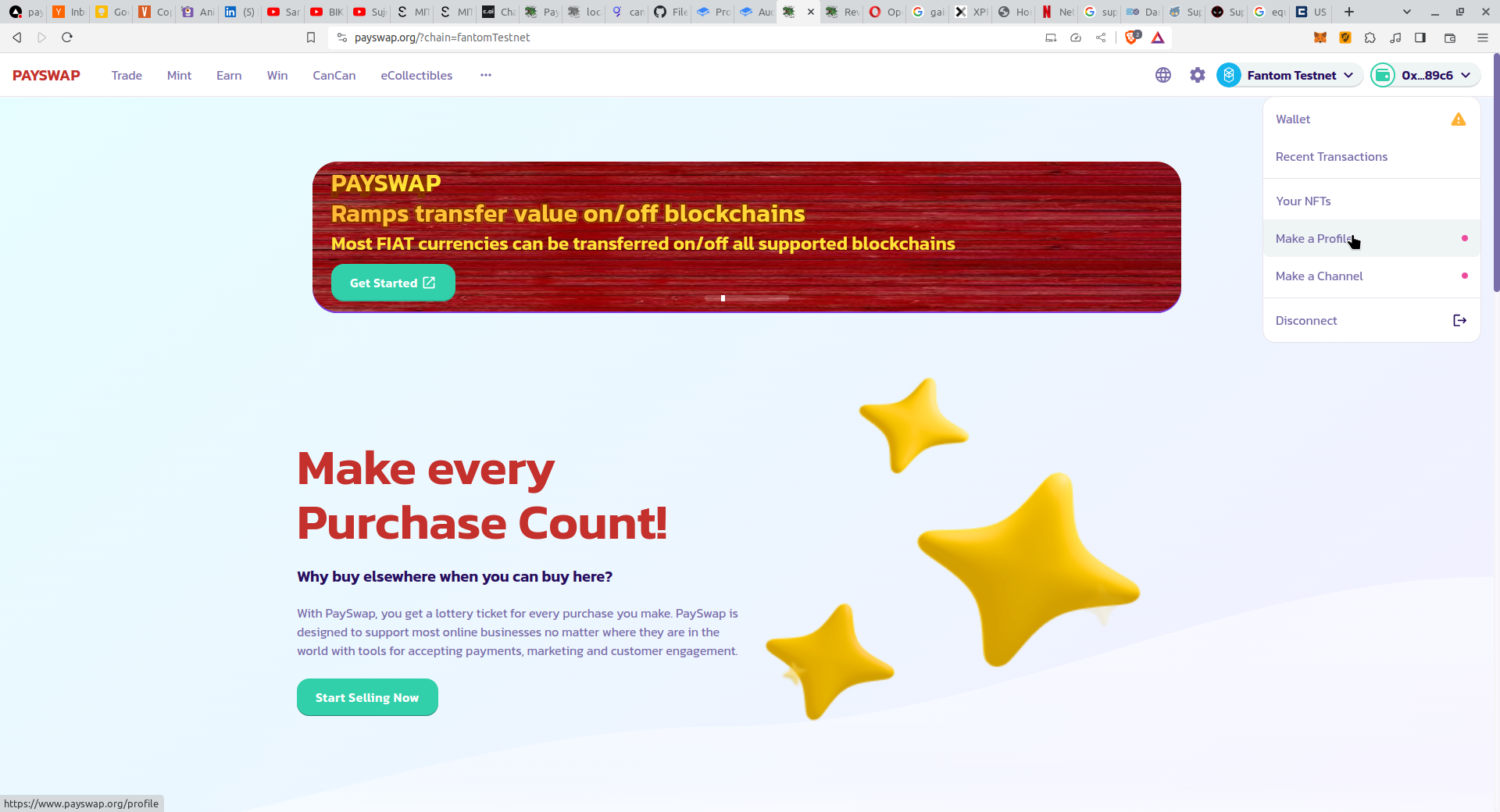
* Go to the profile's page by clicking on the **Make a Profile** button in the drop down at the top right of your the [PaySwap site](https://ekontetevi.gitbook.io/tubecoin/)
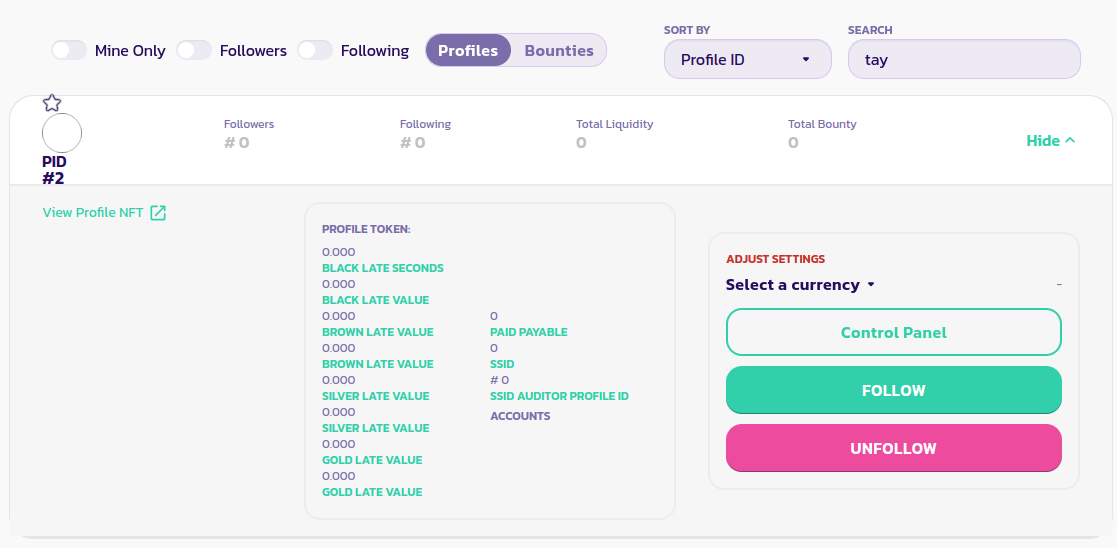
* On the profile's page, click on the **Profiles** tab and enter your recipient's username in the search box. This should list your recipient's profile.
* Click on the **Follow** button to follow the profile and on the **Unfollow** button to unfollow the profile
[Get further support from the community here.](https://paychat.payswap.org/#/room/%23paycom%3Amatrix.org?via=matrix.org)